The Categorys Module allows administrators to enable Categorging functionality throughout Tamam for flexible employee categorization and filtering.
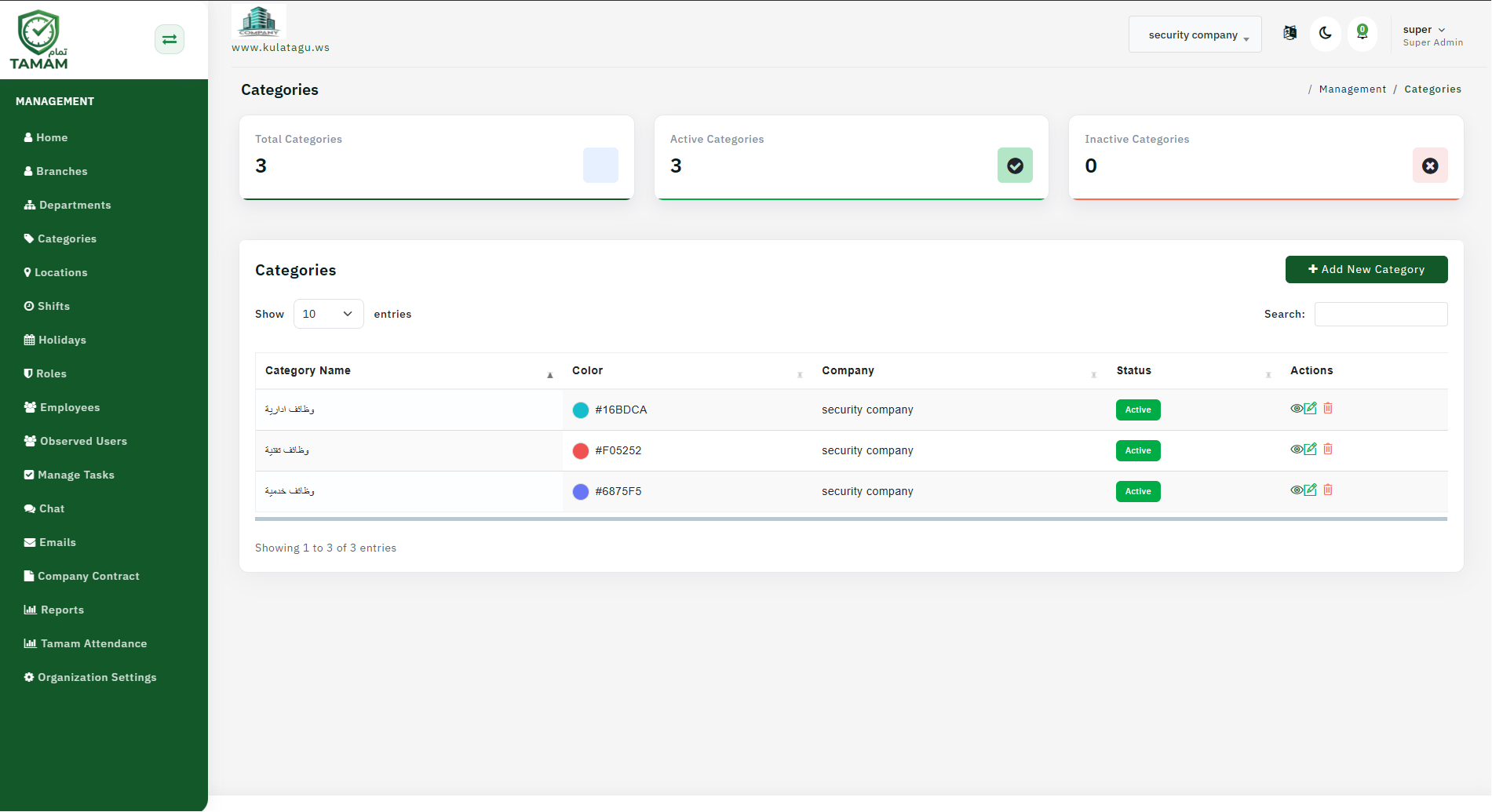
Step 1: Open Module Settings
Go to Settings and navigate to Modules or Features. Look for the Categorys Module option.
Step 2: Enable the Categorys Module
Click to enable the Categorys Module. Once activated, Categoryging capabilities will be available throughout the system.
Step 3: Configure Category Categories
Define the Category categories you want to use, such as department, skill level, location type, or employment status. Keep categories clear and meaningful.
Step 4: Set Permissions
Choose which users can create, edit, and assign Categorys. Typically, HR and managers have Category management permissions.
Step 5: Test and Deploy
Test the Categorys feature with a small group before rolling out organization-wide. Gather feedback and refine categories as needed.
Tip: Plan your Category structure early and communicate Category definitions to all managers so they use Categorys consistently.