Departments help structure your organization and make attendance reporting easier to manage.
Step 1: Open Departments
From the admin dashboard, navigate to the Departments section under organization settings.
Step 2: Create a new department
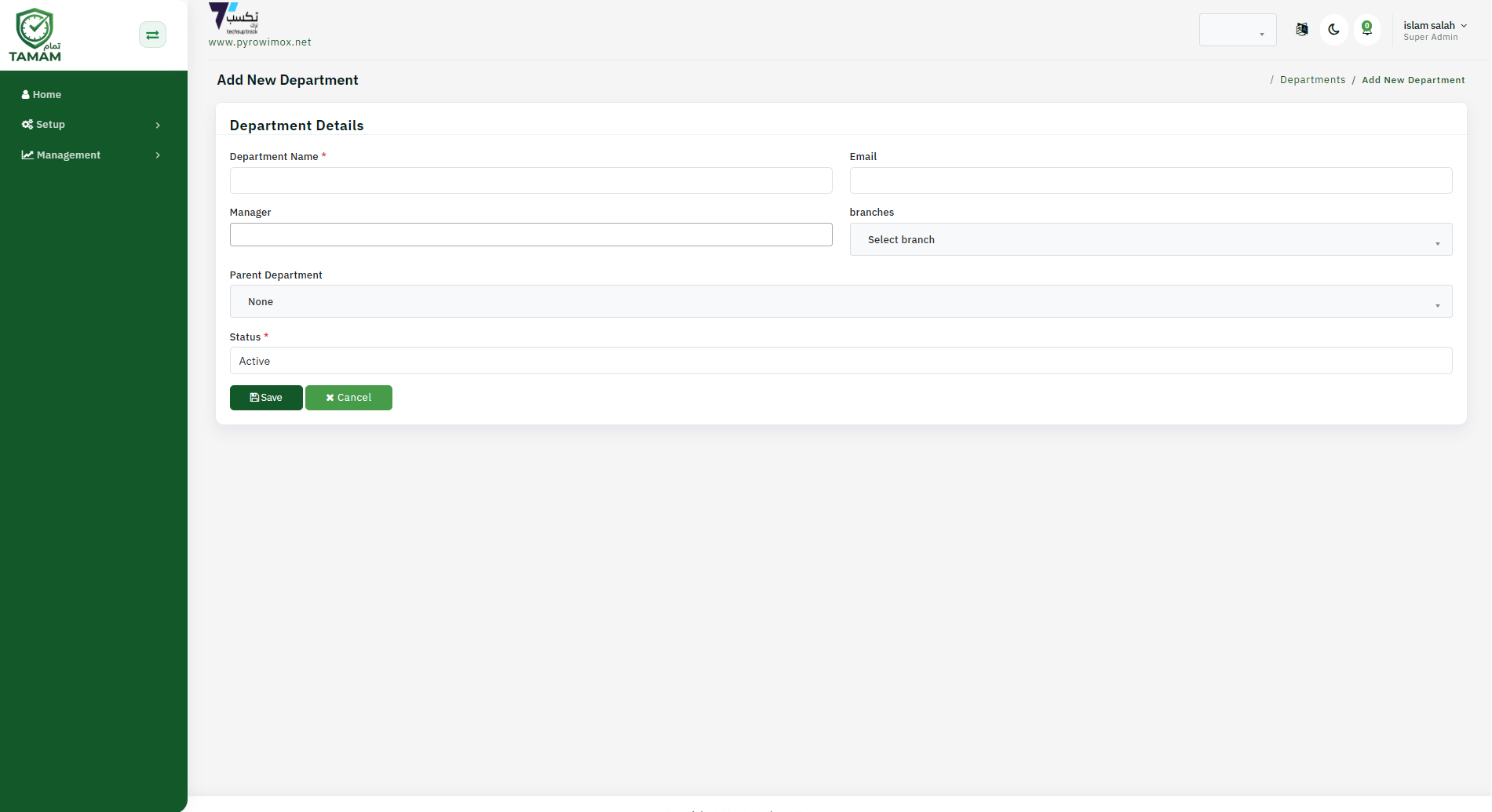
Click Add Department, then enter the department name and an optional description.
Step 3: Assign a manager
Choose a manager or team lead for the department if your workflow requires approval and reporting ownership.
Step 4: Add employees
Assign employees to the department either during creation or by editing employee profiles after saving.
Step 5: Save and verify
Save the department and confirm it appears in the department list and employee group views.
Tip: Use departments to improve report filtering and to manage permissions consistently across teams.