Locations are essential for site-based attendance tracking and reporting.
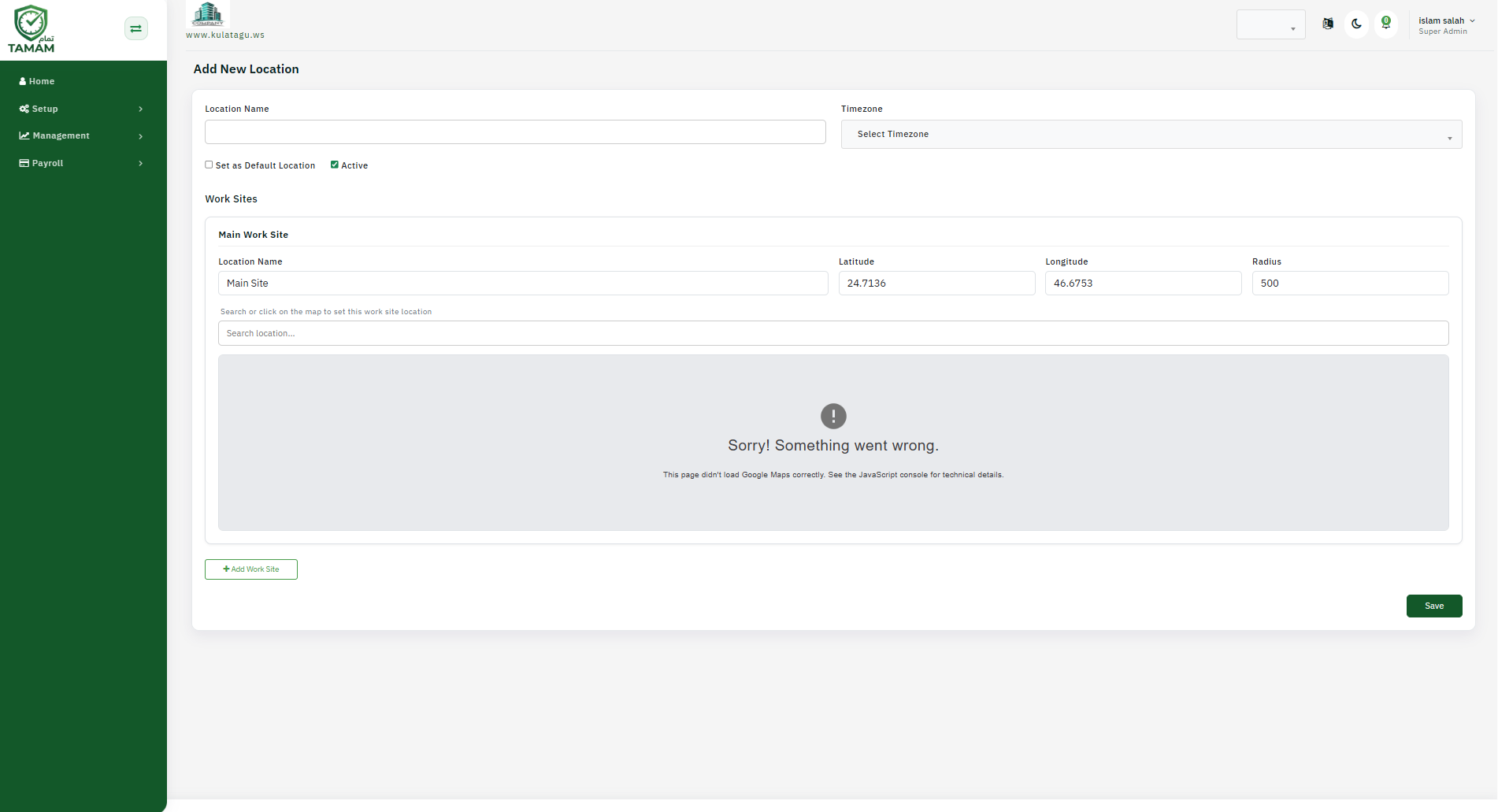
Step 1: Go to Locations
Open the Locations section from the admin settings menu.
Step 2: Add a new site
Click Add Location and enter the site name, address, and optional notes.
Step 3: Set time zone
Choose the location time zone and working hours to align attendance calculations.
Step 4: Link managers or departments
Assign managers, teams, or departments to the new location if needed.
Step 5: Save and confirm
Save the location and verify it appears in the location list for scheduling and reports.
Tip: Add all active work locations as soon as they are opened so attendance data remains accurate.