Working hours set the baseline for expected attendance and help calculate exceptions accurately.
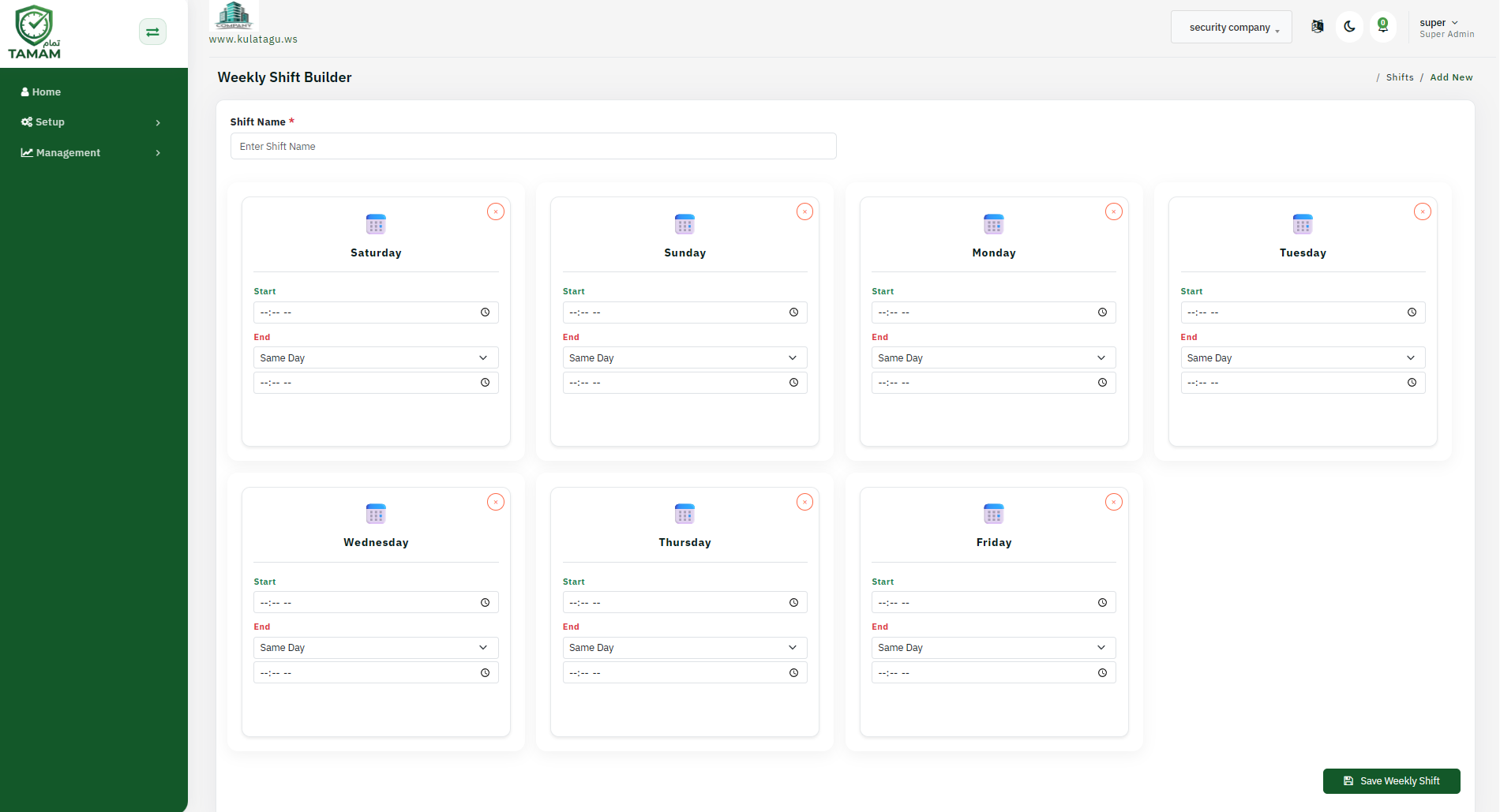
Step 1: Open working hours settings
Navigate to the Work Hours or Business Hours section in the admin settings.
Step 2: Add a schedule
Click Add Working Hours and name the schedule clearly.
Step 3: Set start and end times
Choose the shift start time, end time, and any break or lunch windows.
Step 4: Link the schedule
Apply the working hours schedule to locations, departments, or employee groups as needed.
Step 5: Save and test
Save the schedule and verify it appears correctly in attendance rules and reports.
Tip: Use separate working-hour schedules for different shift types to keep attendance exceptions accurate.