This guide explains how users can securely log in to the system and reset their password if they forget their account credentials.
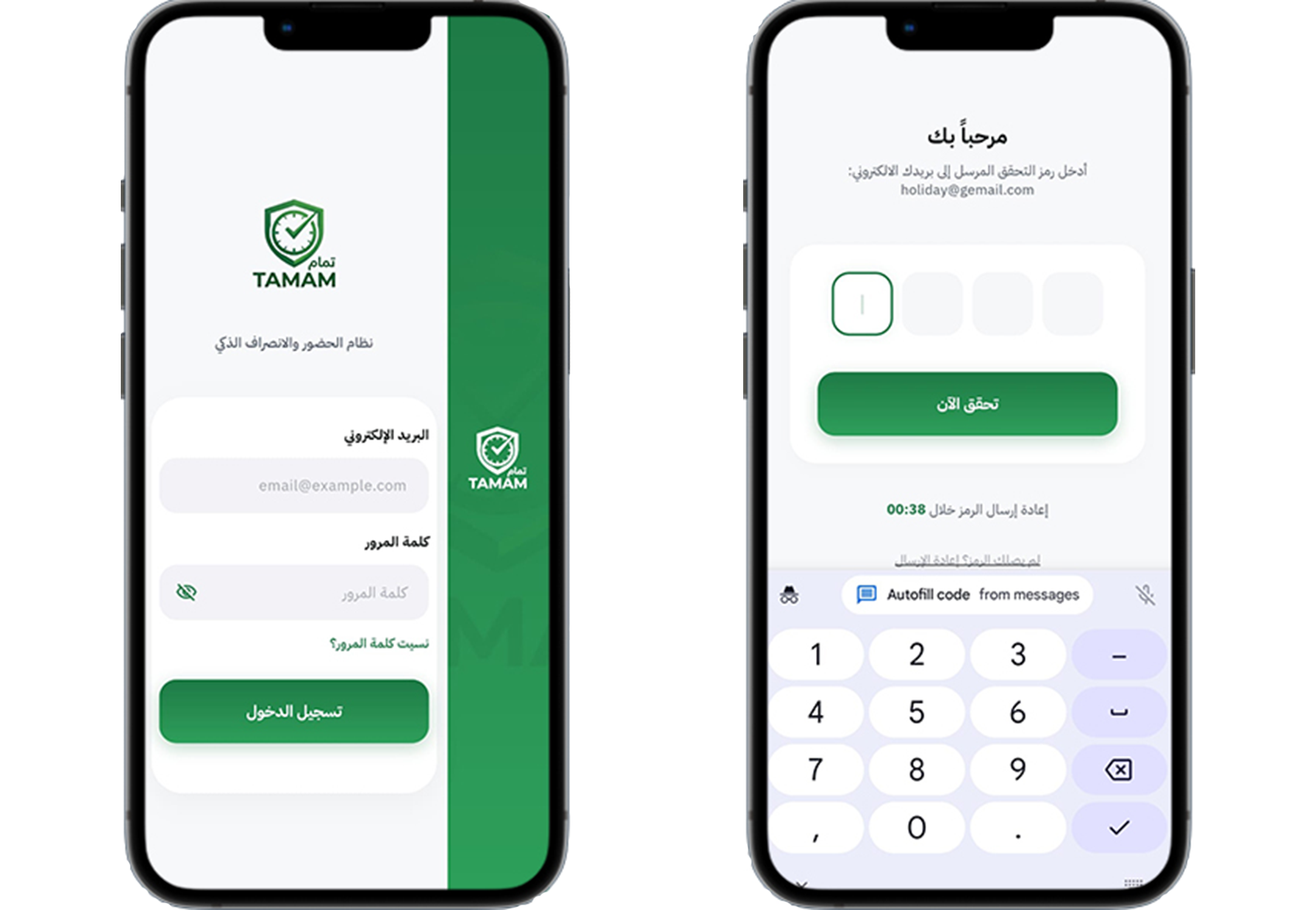
Step 1: Open the Login Page
Navigate to the system login page using the provided company URL or portal link.
Step 2: Enter Login Credentials
Type your registered email address or username along with your password in the login form fields.
Step 3: Access Your Dashboard
Click the login button to access your dashboard and available system modules based on your account permissions.
Step 4: Reset Forgotten Password
If you forget your password, click on the Forgot Password option available on the login page.
Step 5: Verify Your Account
Enter your registered email address to receive a password reset link or verification instructions.
Step 6: Create a New Password
Open the reset link sent to your email and create a new secure password that meets the system security requirements.
Step 7: Login with the New Password
Return to the login page and sign in again using your updated password credentials.
Tip: Use a strong password containing uppercase letters, numbers, and special characters to improve account security.