Attendance policies define how the system treats late arrivals, absences, and overtime.
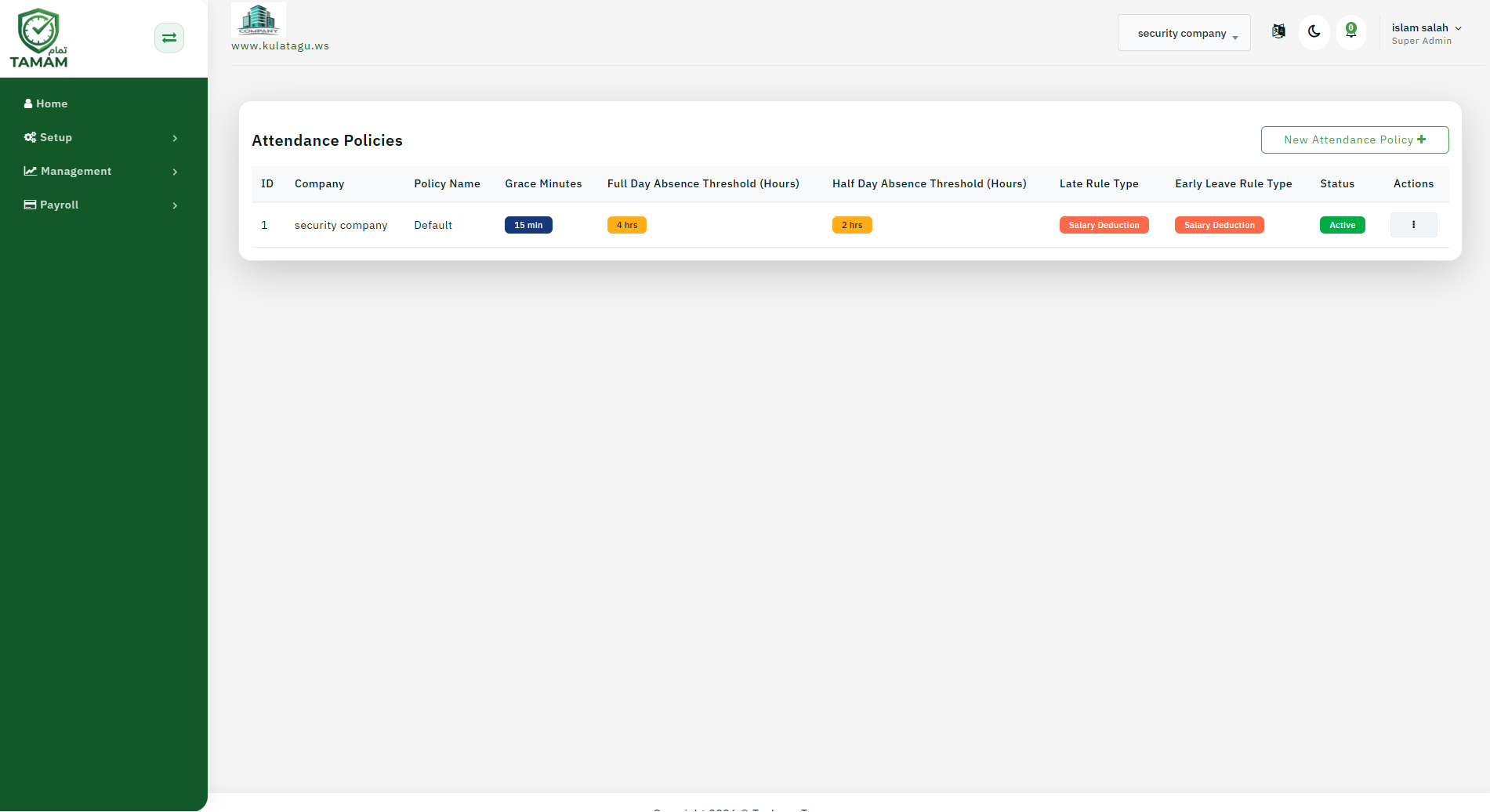
Step 1: Open policy settings
Navigate to Policies or Attendance Rules in the admin menu.
Step 2: Create or edit a policy
Choose an existing attendance policy or create a new one.
Step 3: Set rules
Define late arrival, early departure, absence, and overtime conditions.
Step 4: Apply the policy
Assign the policy to departments, locations, or employee groups.
Step 5: Save and communicate
Save the policy and inform employees of any changes to attendance rules.
Tip: Review policies regularly to keep them aligned with your operational needs.