Keeping your organization name and report settings current makes sure Tamam reflects your branding and communications.
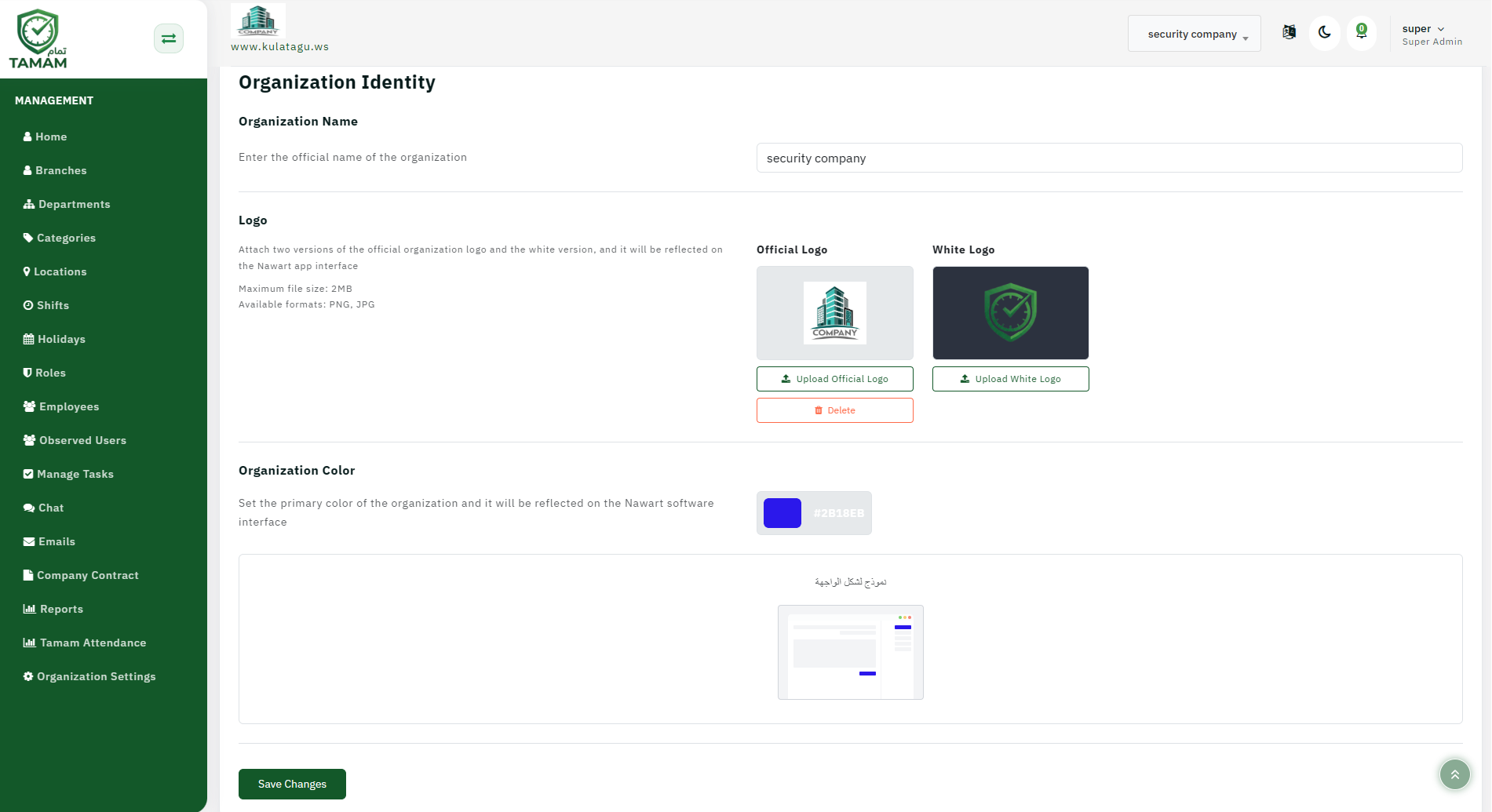
Step 1: Open company settings
Navigate to Settings or Company Profile in the admin console.
Step 2: Edit the organization name
Find the organization or company name field and update it as needed.
Step 3: Save branding changes
Save the new name and confirm it appears on the login screen, dashboard, and reports.
Step 4: Open report delivery settings
Go to the report scheduling or sending section to configure automated delivery.
Step 5: Configure recipients and format
Select who should receive reports, how often they are sent, and whether they are delivered by email or file export.
Tip: Update distribution lists whenever roles change so reports always reach the right stakeholders.