Daily Attendance Status allows administrators to quickly view who was present, absent, or on leave for a given date, helping with operational decision-making.
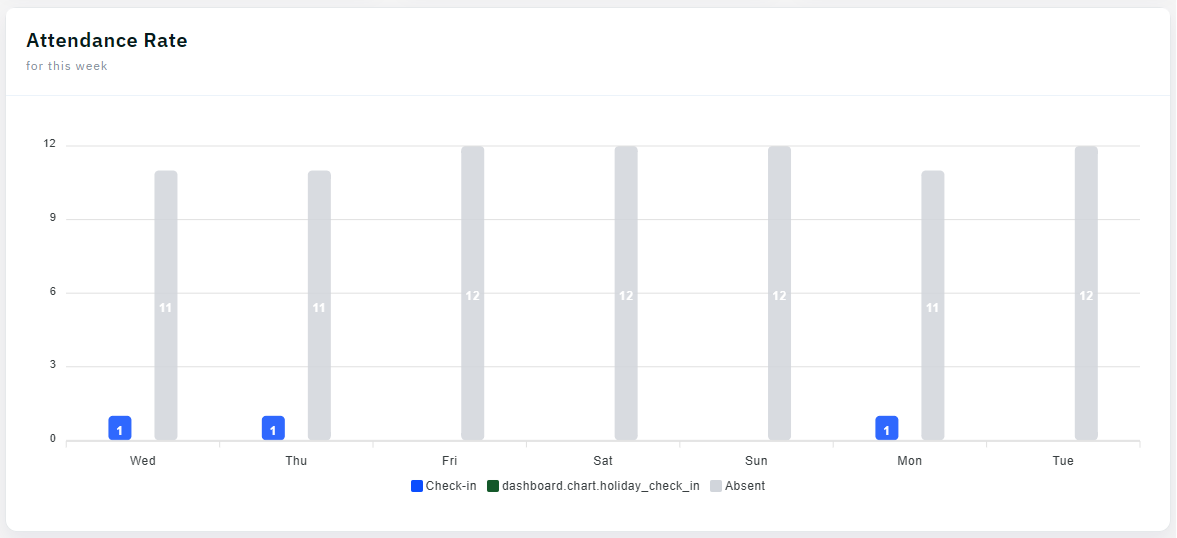
Step 1: Open Daily Attendance Dashboard
Navigate to the attendance section and select Daily Status to view today
Step 2: Choose the Date
Select the date you want to review. You can check today, yesterday, or any date in the past for historical reference.
Step 3: View Summary Metrics
Check the totals for present employees, absent employees, on-leave employees, and those with pending status.
Step 4: Identify Missing Check-Ins
Look for employees who haven
Step 5: Filter by Department or Location
Use filters to focus on specific teams or sites. This helps address attendance issues at the local level.
Tip: Check daily status each morning to identify coverage issues early and plan accordingly for the day.