The HR Report – Single Sheet option compiles essential HR and attendance data into one export, making it easier to review and share with stakeholders.
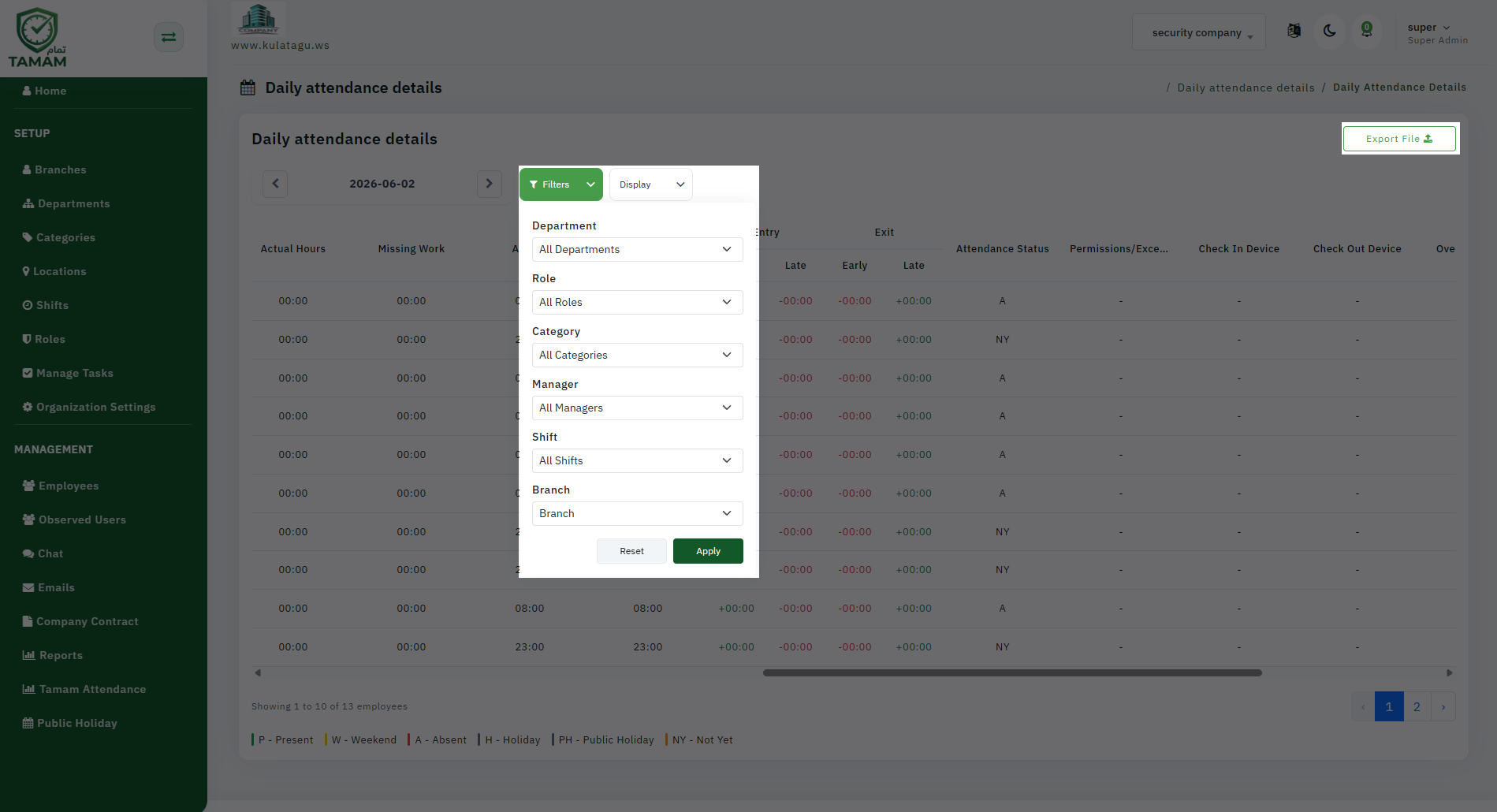
Step 1: Select the HR Report
Open the reports section and choose the HR Report. Then select the single sheet export option for a compact dataset.
Step 2: Configure Columns
Choose the fields you want included, such as employee information, attendance, leave, and request status. A single sheet export should focus on the most important metrics.
Step 3: Apply Filters
Filter by department, location, employee group, or date range to keep the spreadsheet relevant and manageable.
Step 4: Preview the Export
Review the preview to ensure the data columns and records are correct before creating the final export.
Step 5: Download and Share
Download the single sheet export and share it with HR, finance, or operations. The format is ideal for quick reviews and summaries.
Tip: Use the single sheet export when you need a fast overview of HR data without multiple tabs or files.