The Mood Report captures employee sentiment data, helping administrators monitor workplace satisfaction and identify areas needing support.
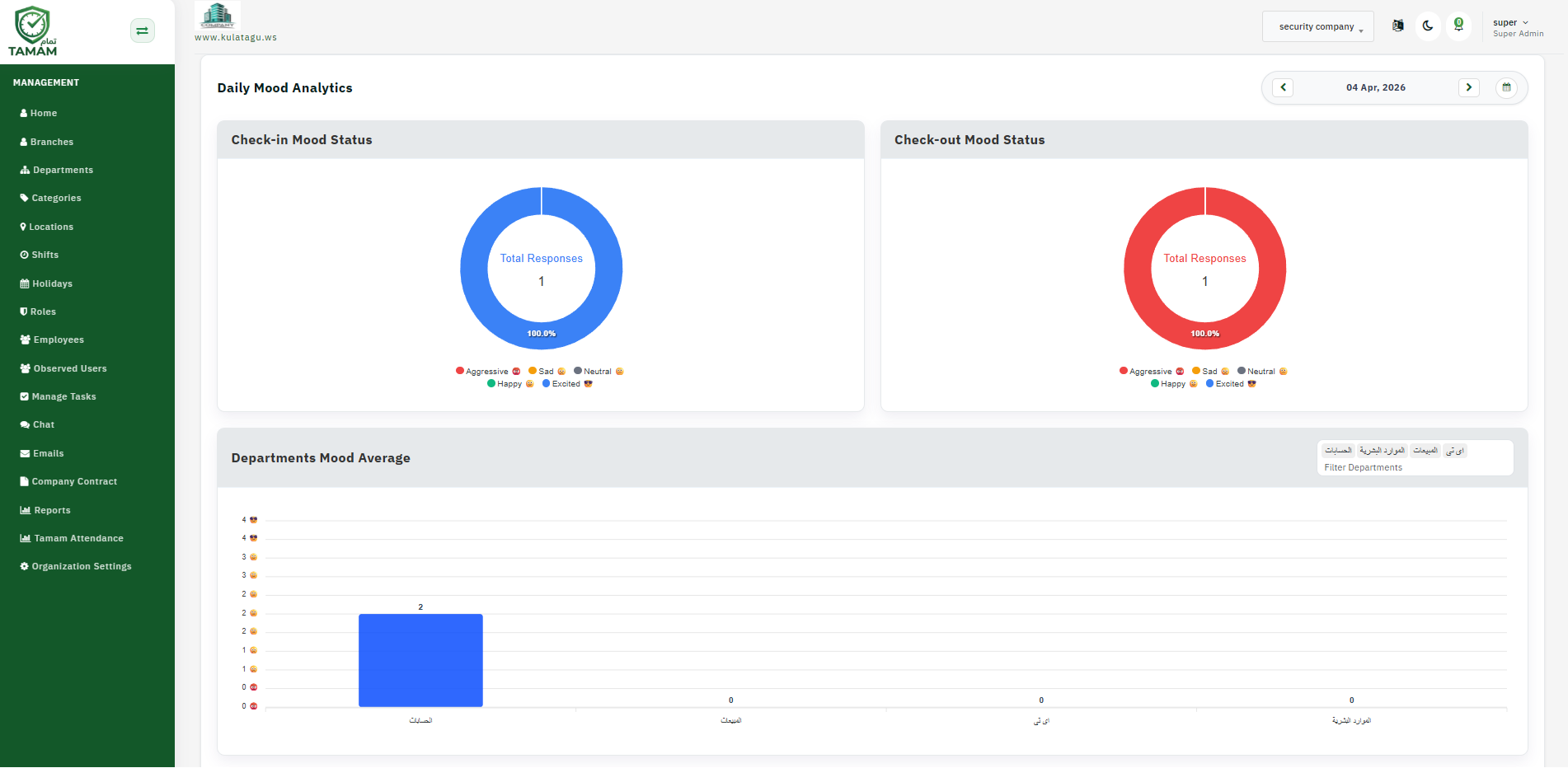
Step 1: Open the Mood Report
Navigate to Reports and select the Mood Report section to view employee mood data.
Step 2: Choose a Date Range
Select the reporting period to analyze mood trends. Compare different weeks or months to see if sentiment is improving or declining.
Step 3: Filter by Team or Location
Use filters to isolate mood data for specific teams or locations. This helps identify which areas may need more support.
Step 4: Review Sentiment Trends
Check overall mood percentages and look for patterns. Use the data to inform HR initiatives and wellness programs.
Step 5: Share Insights
Export the mood report and share findings with HR and leadership. Use insights to plan team-building activities or support programs.
Tip: Regularly review mood reports to stay ahead of workplace issues and celebrate periods of high team satisfaction.