The More section contains extra tools and settings that support your daily attendance workflow.
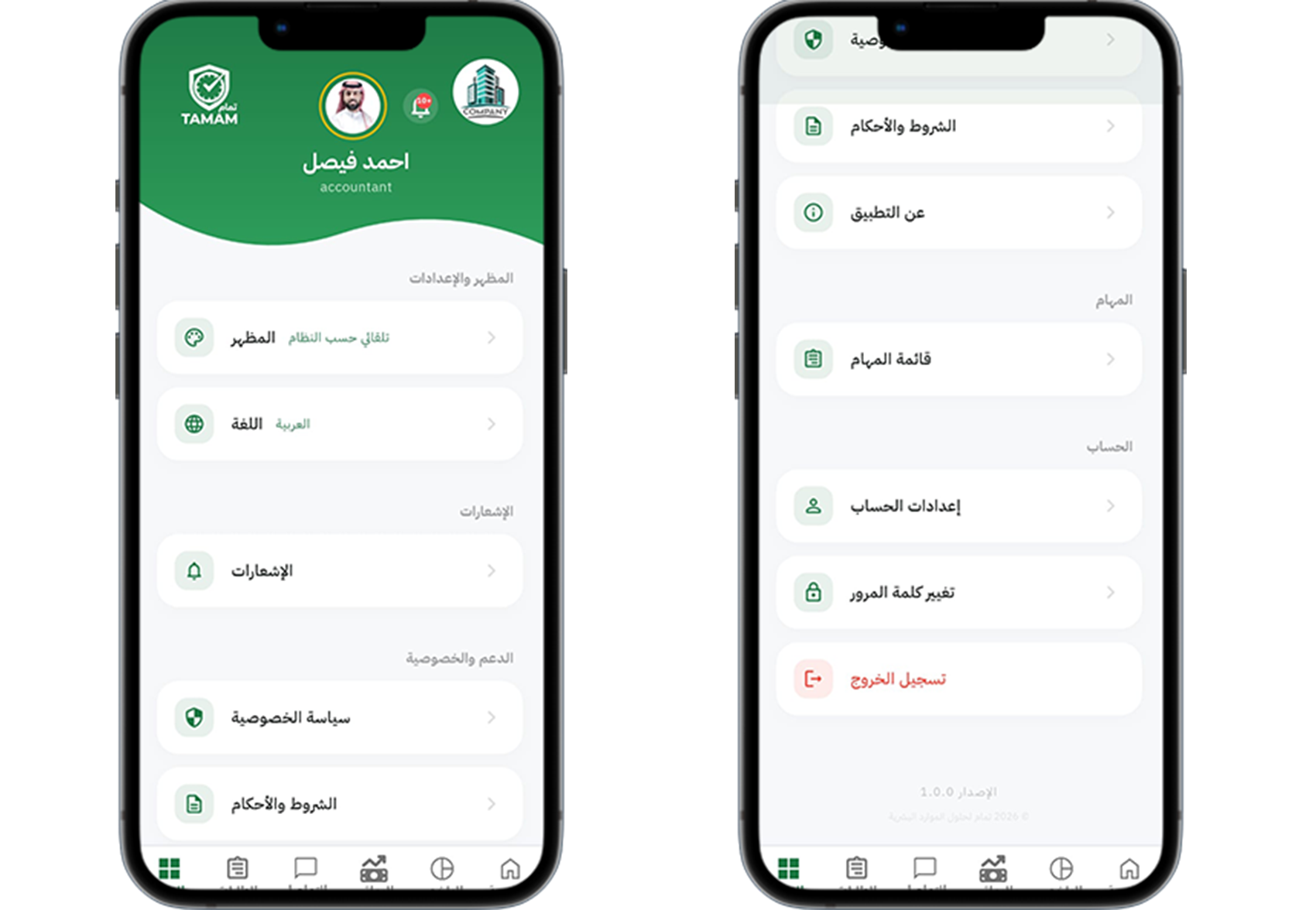
Step 1: Open the More menu
Tap More to view additional options and resources available to employees.
Step 2: Browse the available tools
Use tools such as help articles, app settings, and quick links for attendance support.
Step 3: Access support and resources
Find FAQ content, training guides, and contact options for faster help.
Step 4: Manage optional settings
Update notification preferences and app behavior from the More section.
Step 5: Return to core workflows
Use the More menu as a launchpad back to attendance, profile, and requests.
Tip: The More section is ideal for discovering features beyond daily attendance actions.