Notifications keep you informed about attendance approvals, requests, and status updates.
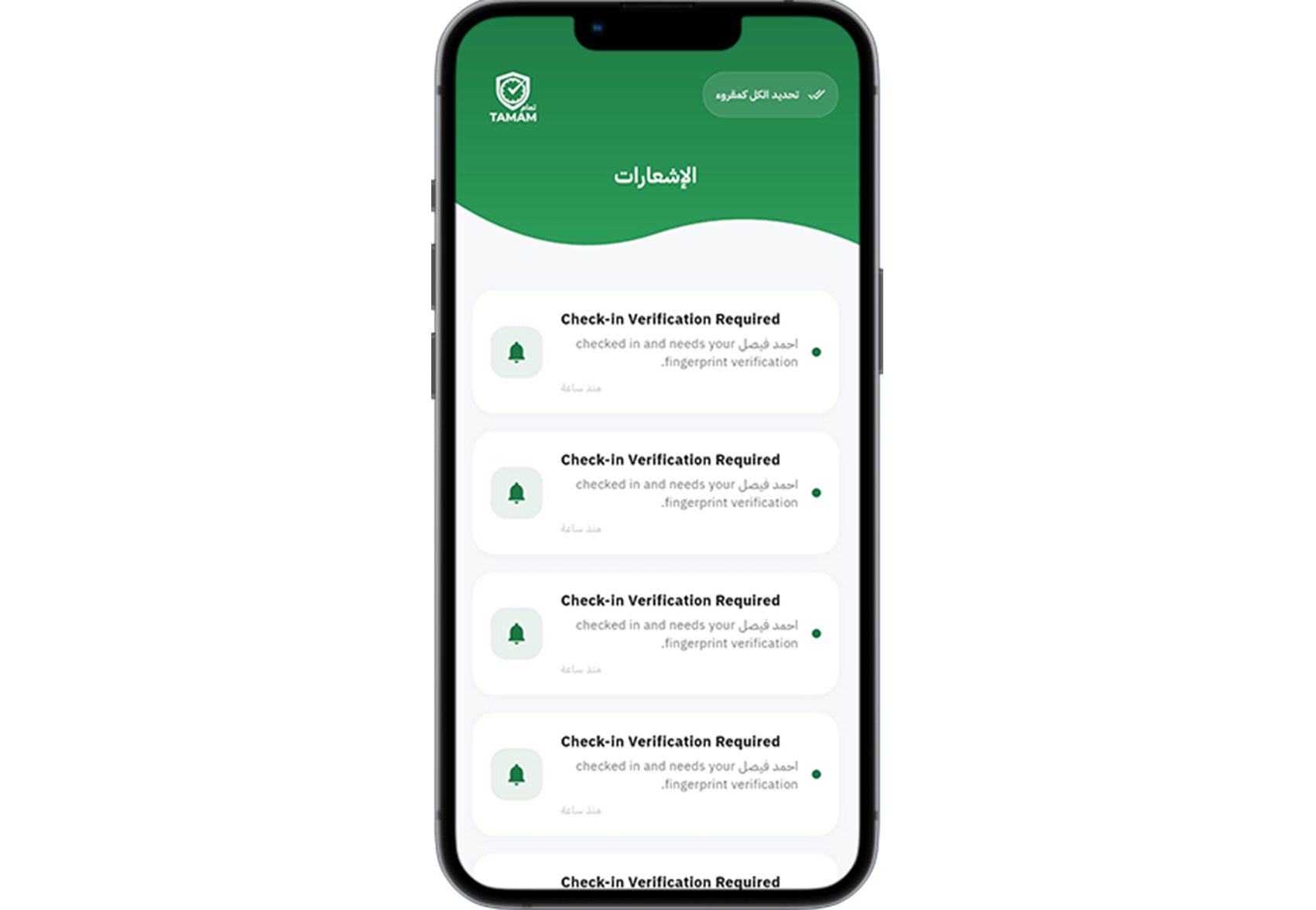
Step 1: Check your notification center
Open the Notifications area in the app.
Step 2: Review new alerts
Read messages about request approvals, schedule updates, and attendance reminders.
Step 3: Manage notification settings
Adjust your notification preferences so you receive alerts by email, SMS, or app.
Step 4: Mark items read
Mark completed alerts as read to keep your notification list organized.
Step 5: Follow action items
Take any required next steps from the notifications, such as approving requests or updating details.
Tip: Keep notifications enabled to stay up to date with your attendance status and approvals.