Permission Status provides a view of all temporary absence requests, such as late arrivals, early departures, or time off, and their current approval state.
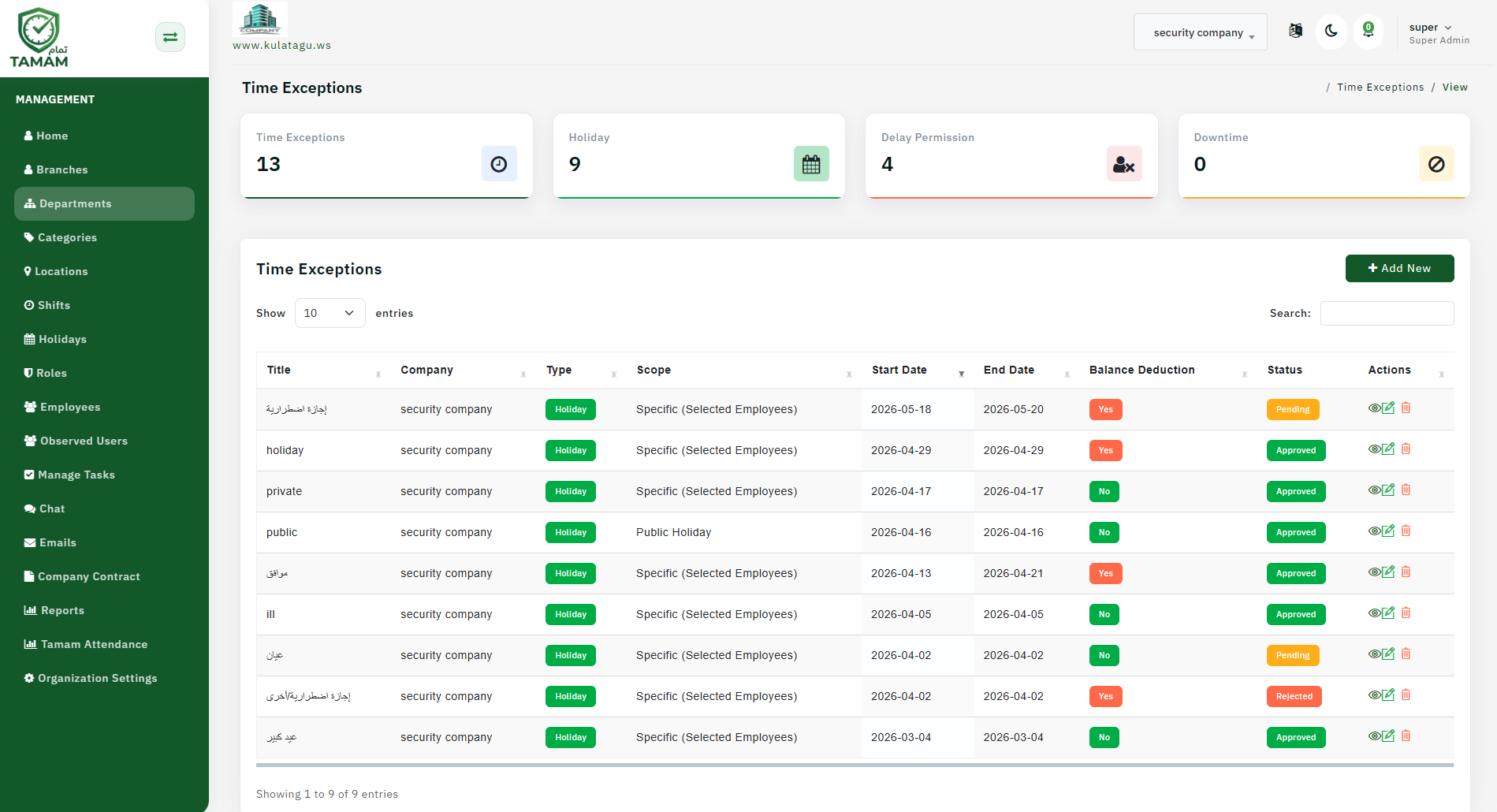
Step 1: Open Permission Status View
Navigate to the attendance or request section and select Permission Status to see all permission requests.
Step 2: Filter by Date Range
Choose the reporting period to view current and recent permission requests. This helps track pending items that need action.
Step 3: Review Request Types
Look at the types of permissions requested, such as late arrival, early leave, or time off. Understand the volume and nature of requests.
Step 4: Check Approval Status
Review pending, approved, and rejected permissions. Prioritize approvals that are overdue to prevent employee frustration.
Step 5: Identify Trends
Analyze which employees or teams request permissions frequently. Use insights to discuss expectations or identify workload issues.
Tip: Set clear permission policies and SLAs for approval timelines to ensure fair and timely decision-making.