Your personal profile holds key details that ensure your attendance and notifications are managed correctly.
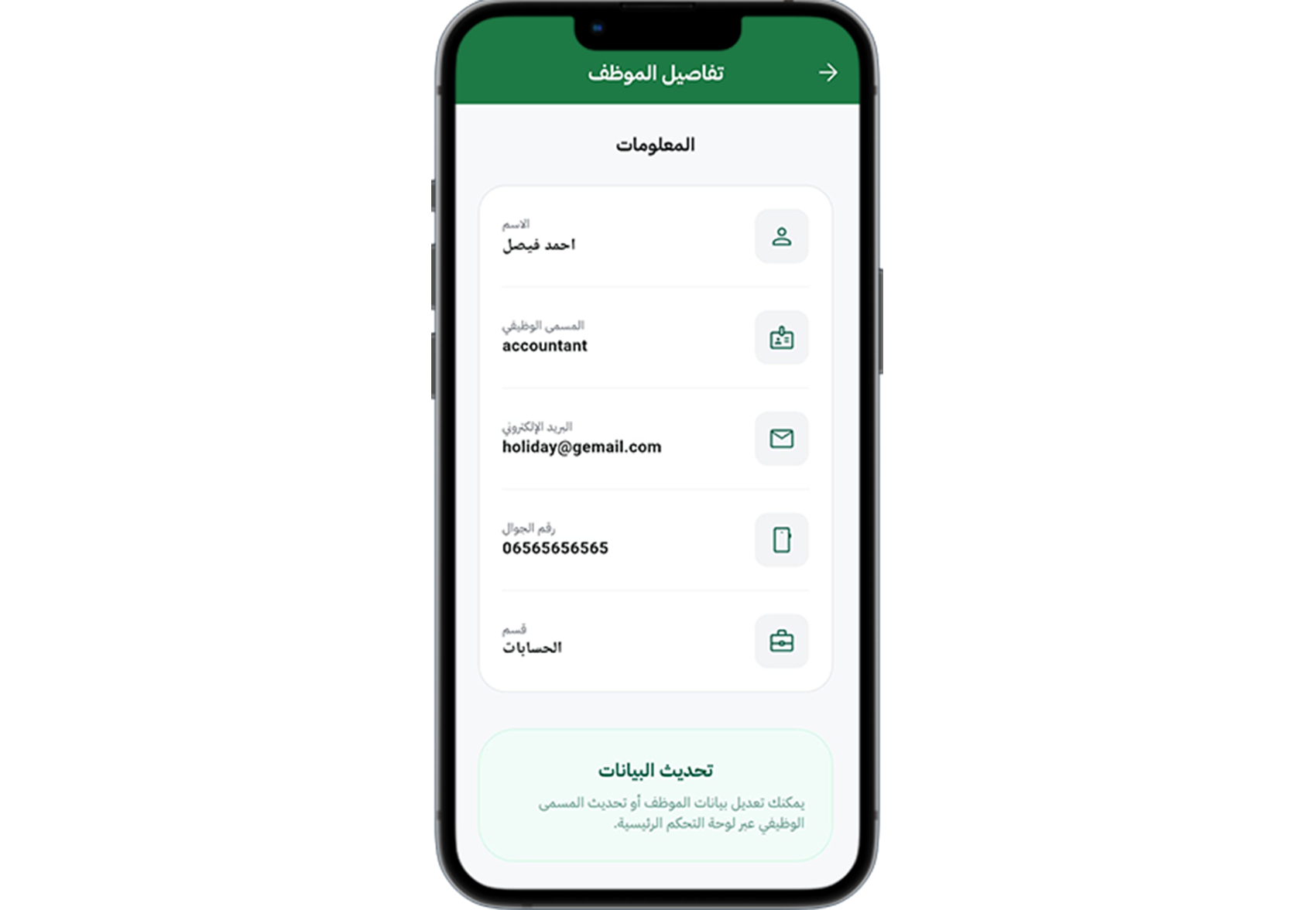
Step 1: Open your profile
Go to the Profile or Account section from the app menu.
Step 2: Review your details
Check your name, email, phone number, and job-related information for accuracy.
Step 3: Update contact details
Make sure your contact info is current so notifications reach you.
Step 4: Save changes
Save any updates and wait for confirmation that your profile is updated.
Step 5: Check linked settings
Verify that your manager, department, and location assignments are correct.
Tip: Keep your profile updated to prevent delays in attendance approvals and important alerts.