Proof status shows whether attendance evidence has been accepted, rejected, or is pending review.
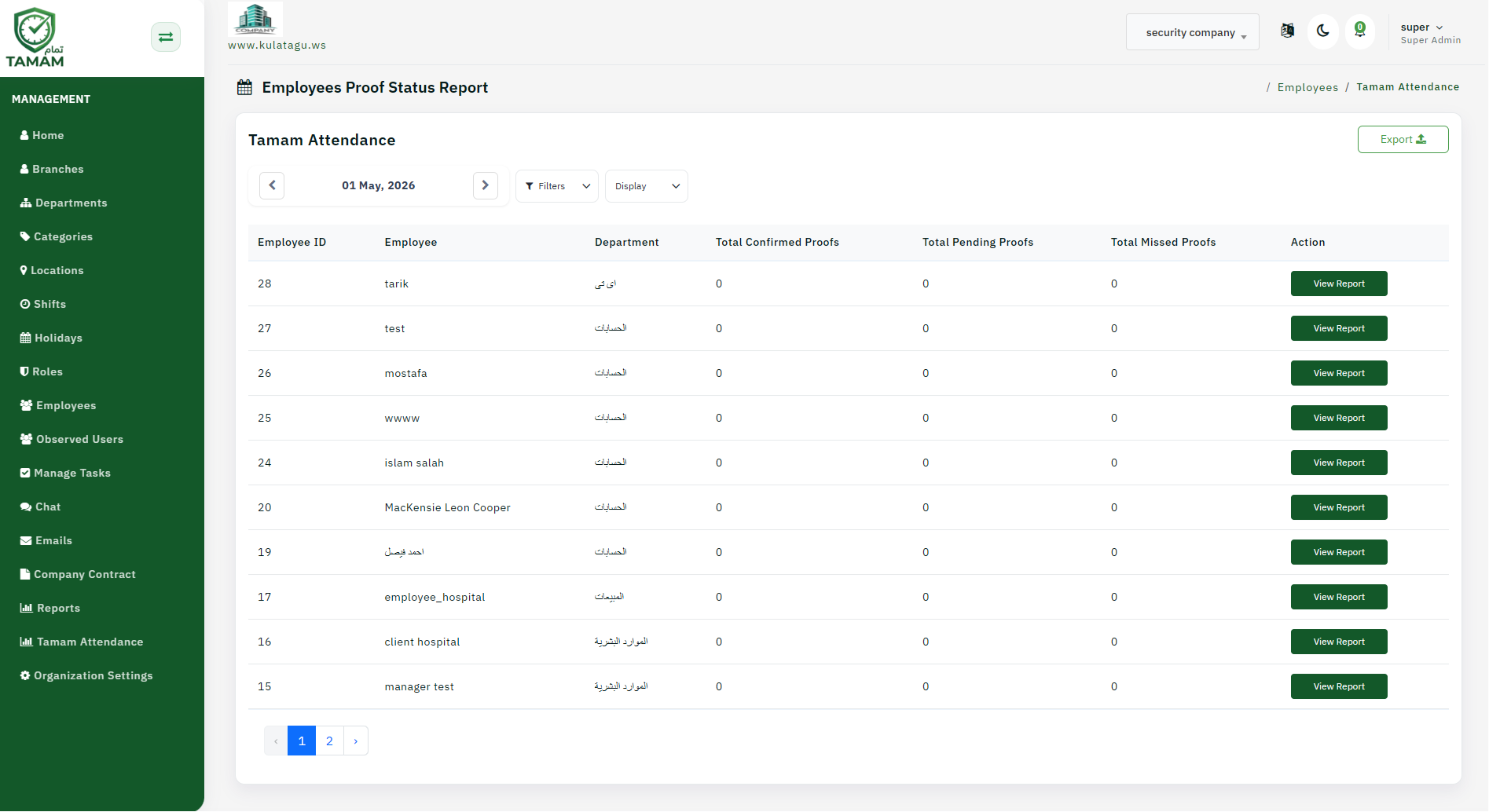
Step 1: Open proof evidence
Go to the Proof or Attendance Evidence section in the admin panel.
Step 2: Filter submissions
Choose date, employee, or department filters to narrow the list of proof submissions.
Step 3: Review proof items
Inspect each uploaded document or photo to confirm the attendance details.
Step 4: Approve or reject
Mark each proof item as accepted or rejected based on your policy.
Step 5: Record notes
Add explanations or comments to the proof status for audit and employee communication.
Tip: Maintain consistent proof criteria to ensure attendance validation is fair and traceable.