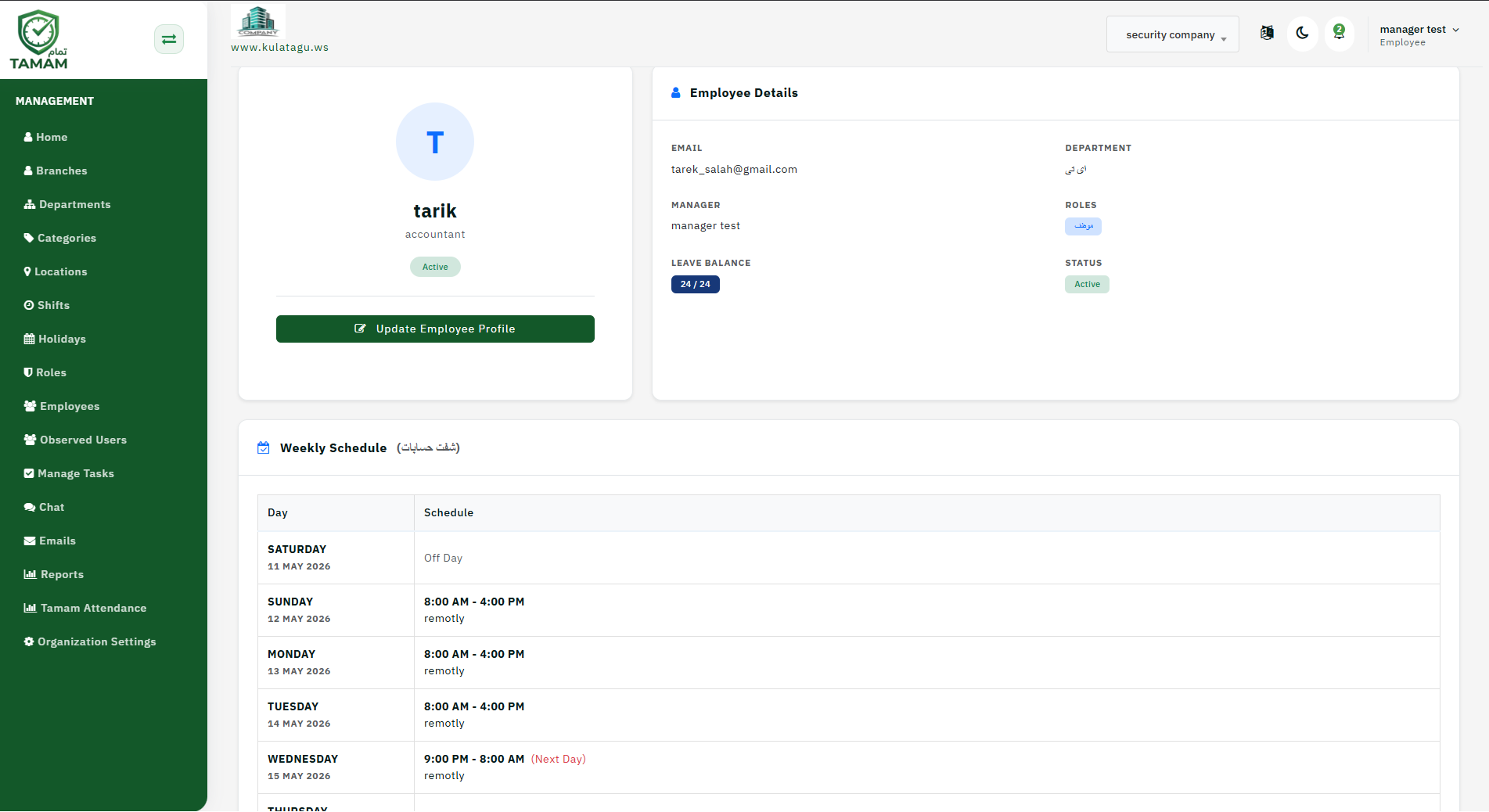
The employee profile has been completely redesigned to provide a comprehensive overview of daily, weekly, and monthly performance. This update ensures that administrators can monitor attendance precision and request statuses in one centralized view.
1. Shift Details and Real-time Tracking
The profile now features a clear display of scheduled shift hours alongside the employee actual check-in and check-out times. This allows for immediate comparison between planned schedules and actual attendance.
2. Employee Monthly Summary
This section provides a high-level overview of the employee performance throughout the month. It includes key metrics such as total attendance days, absences, total working hours, instances of lateness, and a countdown of remaining remote work hours.
3. Employee Weekly Summary
The weekly view focuses on short-term activity, detailing submitted requests and leaves, the current status of attendance proof requests, and a complete log of all attendance attempts made during the week.
4. Attendance Attempt Log & Geofencing
The log provides critical data on check-in and check-out attempts. To simplify location verification, attempts are color-coded: Red indicates an attempt made outside the assigned location, while Green confirms the location is correct.
Steps to Access
Follow these steps to view the new profile layout:
- From the top menu, navigate to Attendance.
- From the side menu, select Employees.
- Select a specific employee from the list and click View.
Pro Tip: Use the color-coded log to quickly audit remote work compliance and identify recurring location errors without manual coordinate checks.