The Reports section gives you quick access to attendance, leave, and exception analytics.
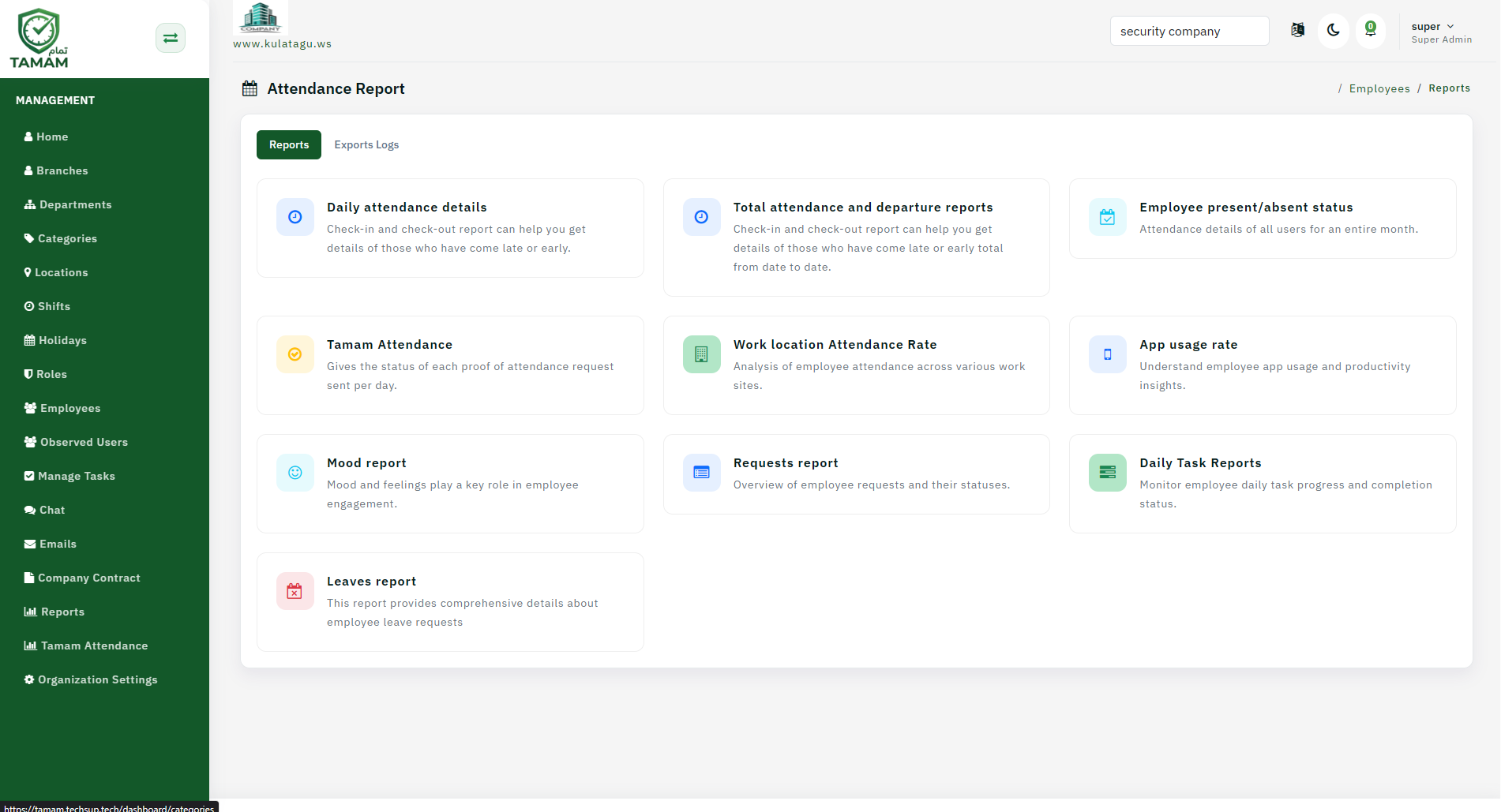
Step 1: Open the Reports menu
Go to Reports from the main navigation in the admin dashboard.
Step 2: Pick a report type
Select the report you need, such as attendance, leave, approvals, or exceptions.
Step 3: Apply filters
Set filters for date range, location, department, or employee groups.
Step 4: Review the results
Look at the report summary and use drilldown options to analyze the data.
Step 5: Export or schedule
Export the report to Excel, PDF, or schedule it for automated delivery.
Tip: Save frequently used filters as report templates for faster access.