The request report displays leave, permission, and regularization request activity so administrators can follow approval status and identify delays.
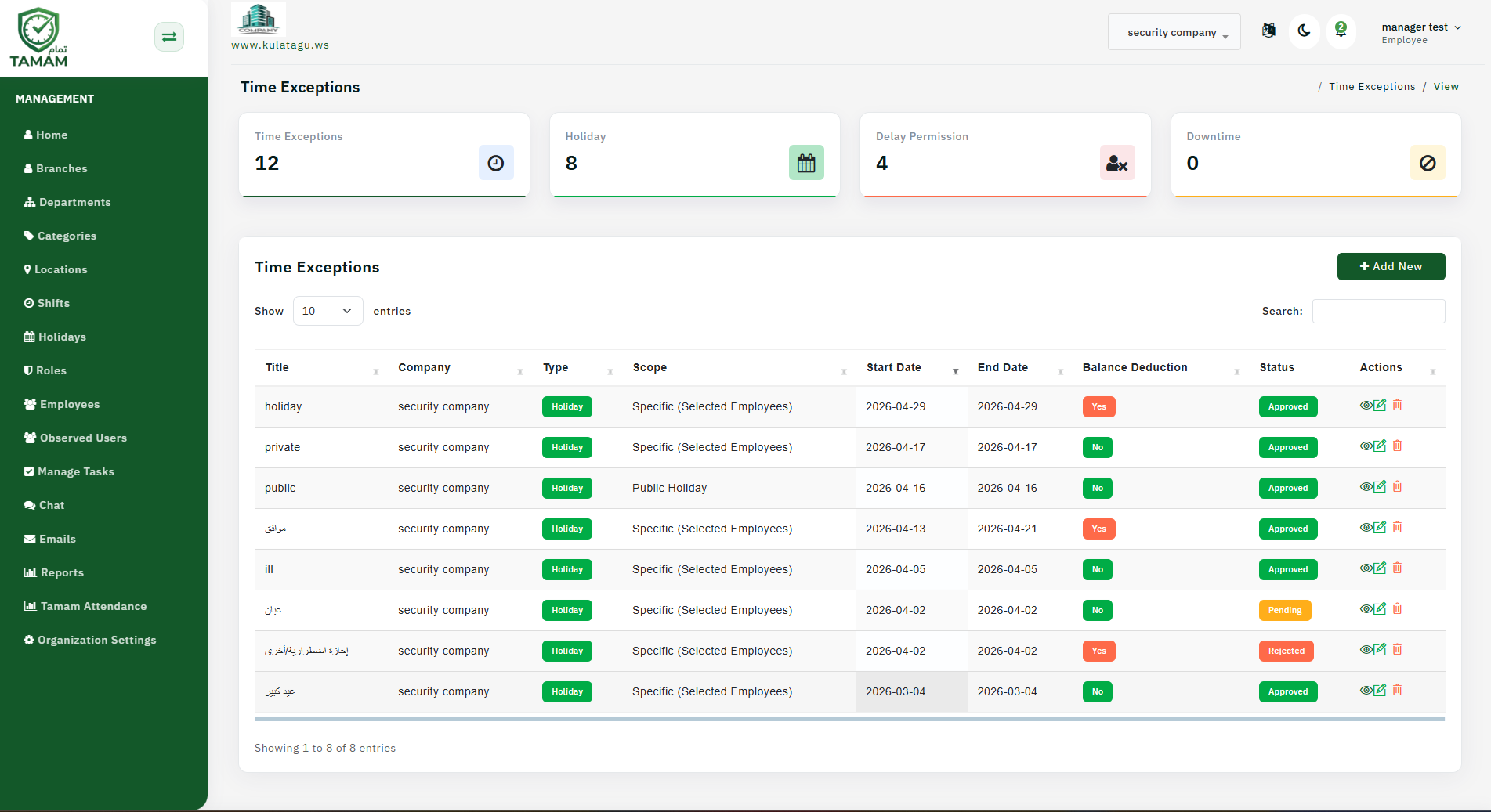
Step 1: Navigate to Request Reports
Open Reports from the main menu and choose Request Report. This page lists all submitted requests with their current approval status.
Step 2: Choose the Request Type
Select the request category you want to review, such as leave requests, permission requests, or attendance regularization.
Step 3: Filter by Status
Use filters for pending, approved, rejected, or cancelled requests. This makes it easy to focus on requests that need action.
Step 4: Review Request Details
Click an entry to review the full request details, including employee notes, submitted dates, and manager comments.
Step 5: Export and Follow Up
Export the report to share with HR or management. Use the results to follow up on overdue approvals and improve request processing time.
Tip: Schedule a weekly review of request metrics so you can quickly identify bottlenecks in approval workflows.