The summary section provides a snapshot of your latest attendance performance and any pending actions.
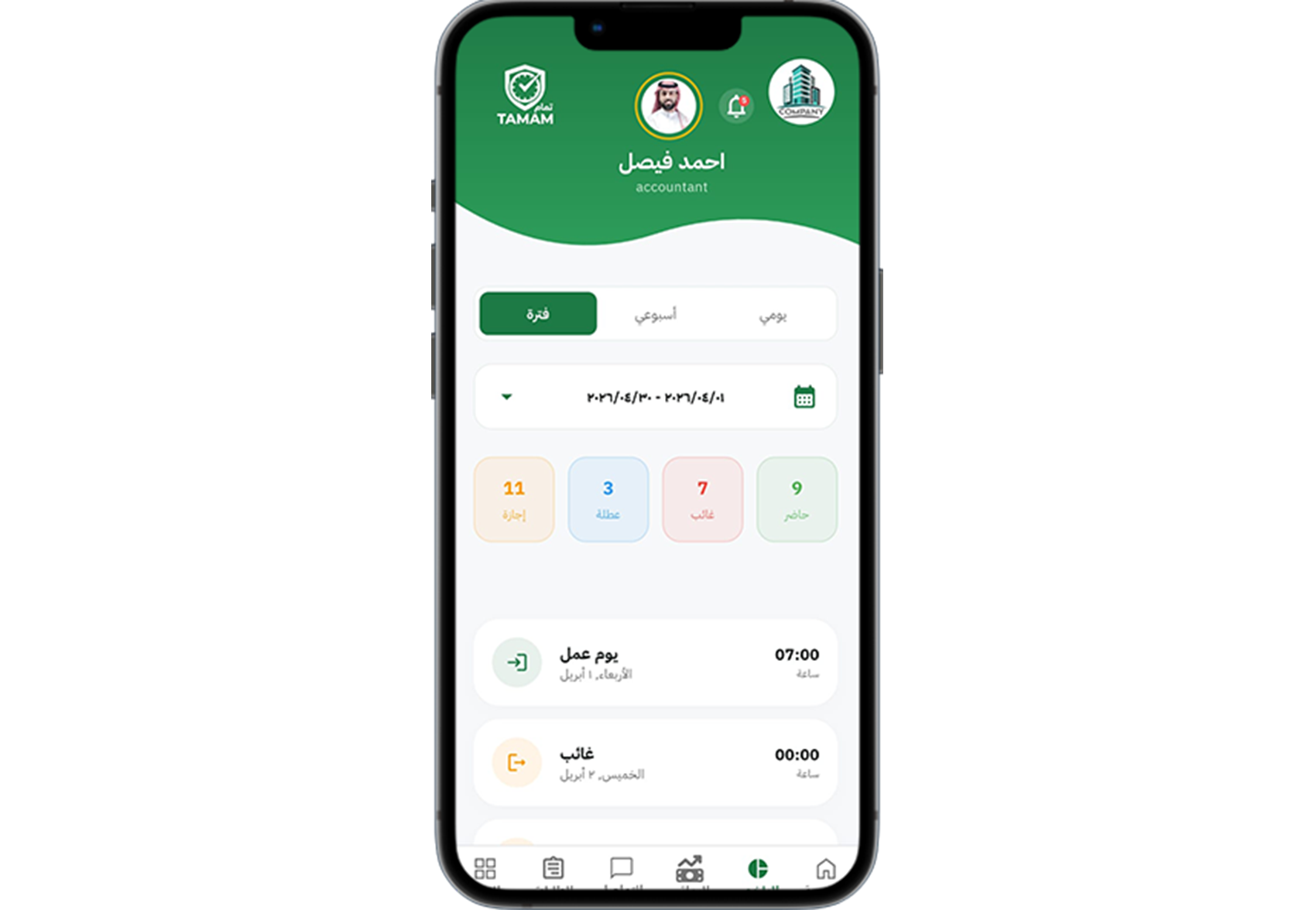
Step 1: Access the summary page
Open the Summary area from your employee dashboard.
Step 2: Review key metrics
Check your total hours, absences, late arrivals, and approved time off.
Step 3: Monitor pending approvals
See if there are any pending attendance corrections or manager approvals.
Step 4: Confirm your current status
Verify that your active schedule and location assignments are up to date.
Step 5: Follow next actions if needed
Use the summary to identify items that require follow-up or corrective requests.
Tip: Check your summary regularly to avoid surprises in your attendance reports.