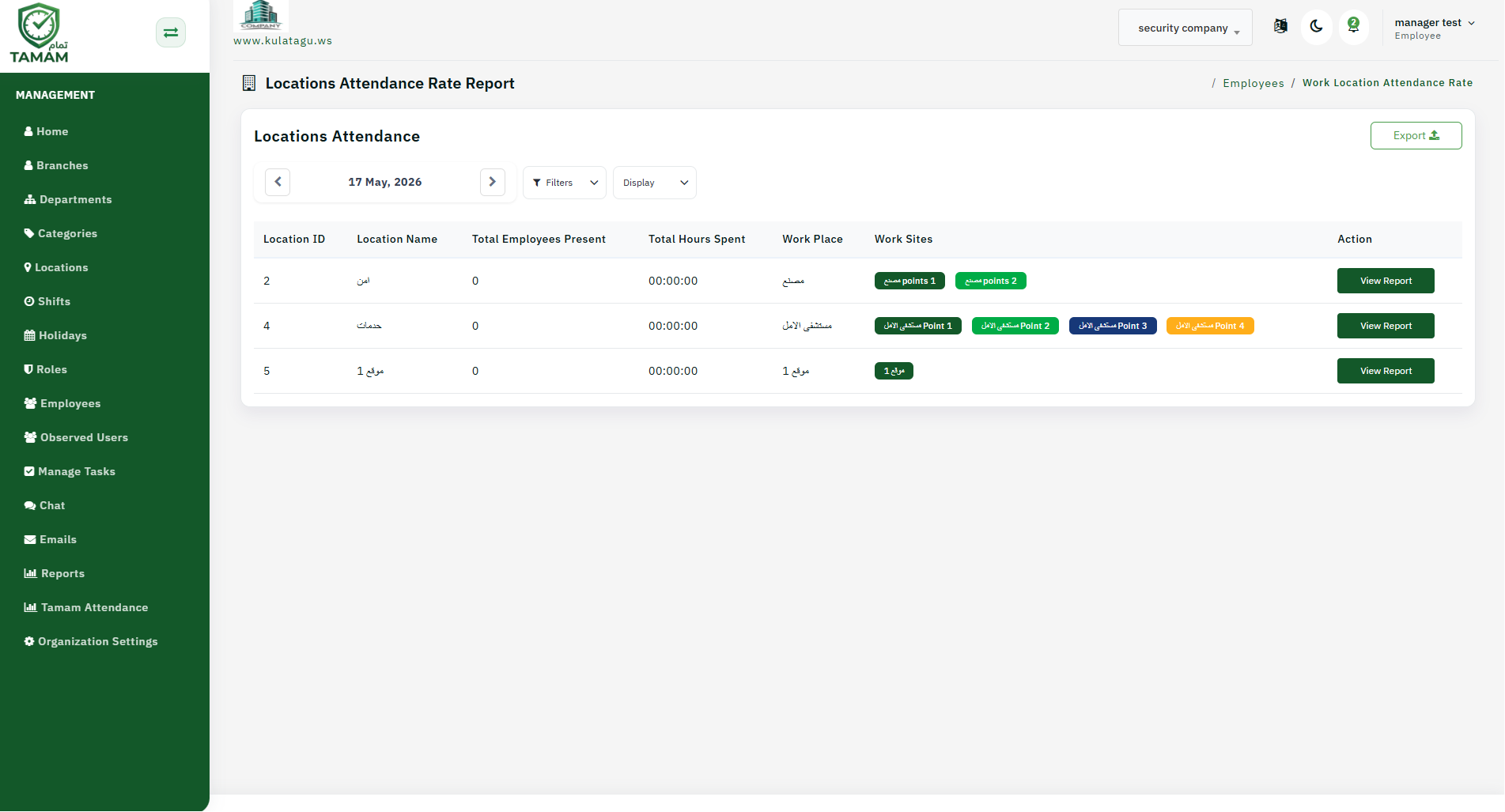
The work location attendance rate report shows attendance metrics by geographic location or workspace, helping you monitor where teams are performing best.
Step 1: Open Location Reports
Navigate to Reports and choose the work location attendance rate report to view attendance by location.
Step 2: Choose Location Groups
Select the location or group of locations you want to evaluate. This may include offices, warehouses, branches, or remote work sites.
Step 3: Set the Time Period
Pick a reporting period that fits your analysis, such as daily, weekly, or monthly. Consistent periods help compare trends accurately.
Step 4: Analyze Attendance Rates
Review key metrics such as present rate, absence rate, late check-ins, and early check-outs for each location.
Step 5: Use Insights for Planning
Use the location attendance rate data to make staffing, shift planning, and workplace decisions. Share findings with operations and HR teams.
Tip: Compare location rates over several weeks to spot persistent attendance patterns in specific teams or sites.