This guide explains what a line manager can do in Tamam and how employees should work with them.
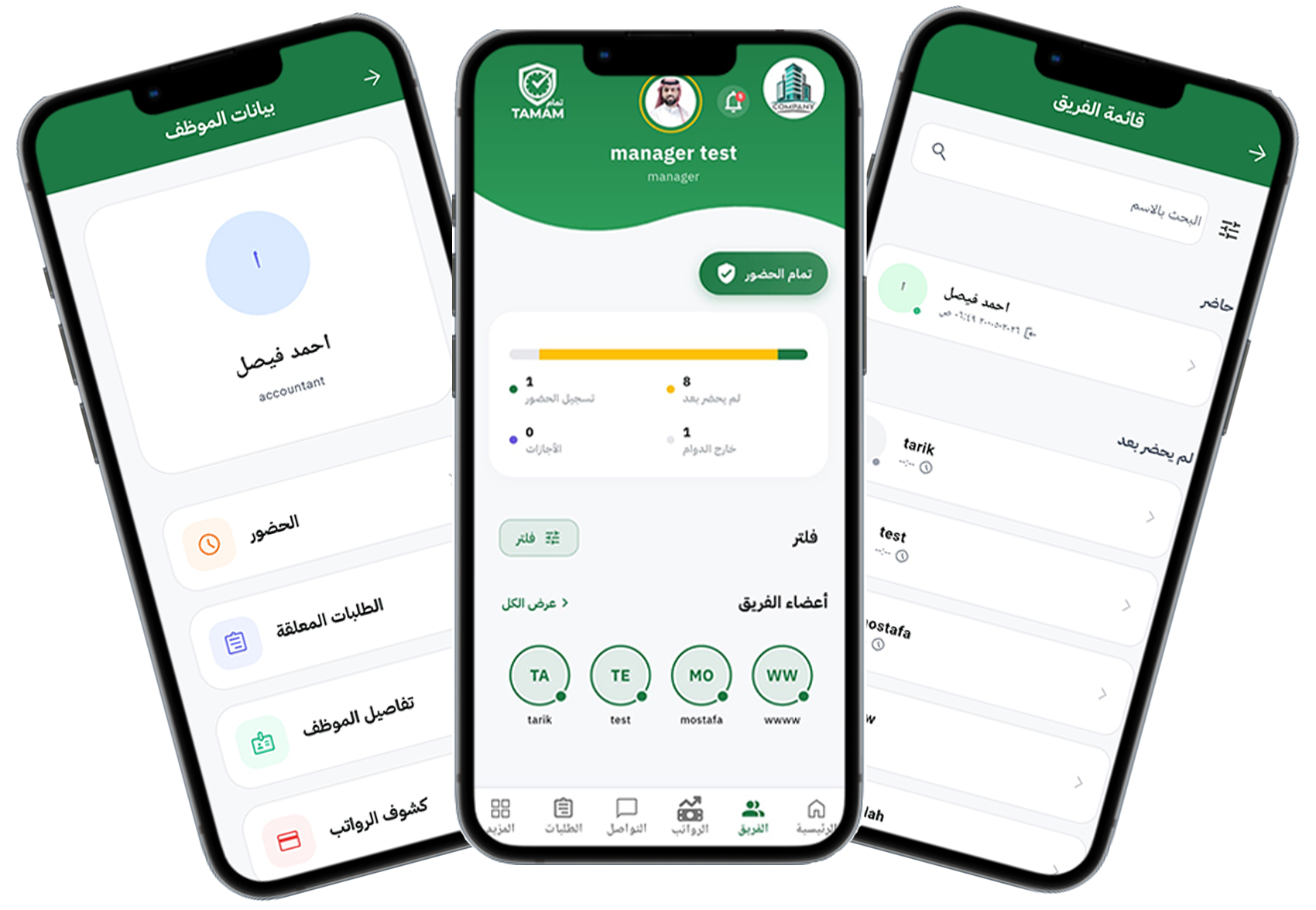
Step 1: Identify your line manager
Check the employee profile section to see who is listed as your line manager.
Step 2: Understand approvals
Line managers can approve leave, attendance adjustments, and request changes on behalf of their team.
Step 3: Use comments and notes
Include a note for your line manager when submitting requests so they understand the context.
Step 4: Monitor request status
Track request progress in the Requests section and see when your line manager has reviewed it.
Step 5: Communicate changes
Speak with your line manager if you receive feedback or need to update request details.
Tip: Clear communication with your line manager speeds up approvals and keeps attendance records accurate.