Employee Catigories are a flexible way to group employees by attributes such as role, skill, location, or project. Catigories make it easier to filter reports and manage employee data.
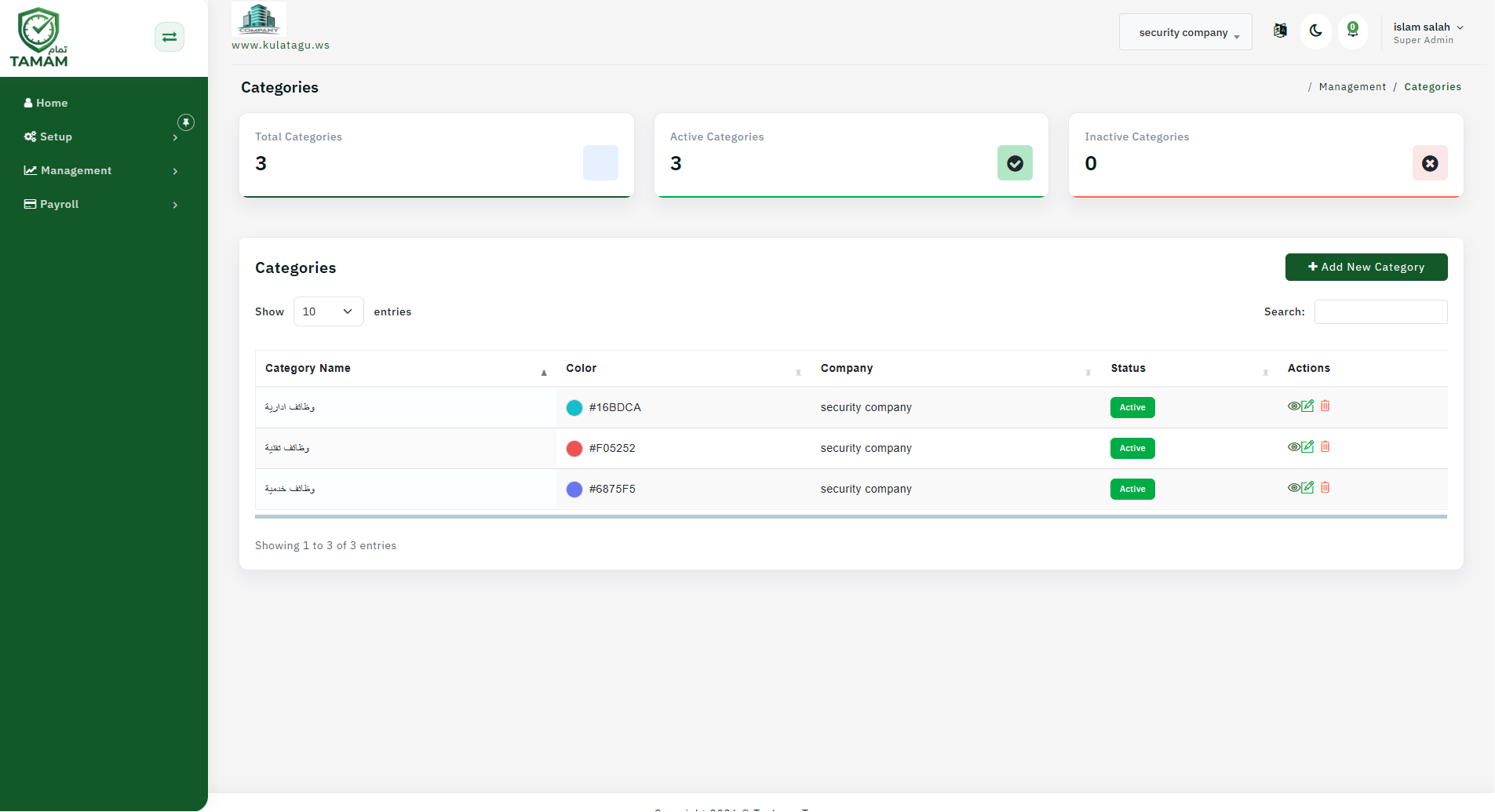
Step 1: Access Catigories Settings
Open the employee management or settings area and choose Catigories. This is where you can create and manage tag categories.
Step 2: Create Meaningful Catigories
Define Catigories that reflect the way your organization works, such as remote, field, sales, or contractor. Keep Catigories consistent so filtering remains effective.
Step 3: Assign Catigories to Employees
Add Catigories to employee profiles. You can assign multiple Catigories to a single employee if they belong to more than one group.
Step 4: Filter Reports with Catigories
Use Catigories when filtering attendance, leave, or request reports. Catigories help you narrow results to the employees who matter for your analysis.
Step 5: Update Catigories as Needed
Review Catigories regularly and update them when roles or team structures change. Retire old Catigories that are no longer useful.
Tip: Standardize tag names in your organization to avoid duplicates like "Sales" and "sales" that make filtering harder.