Use this onboarding workflow to set up the system correctly before beginning daily attendance operations.
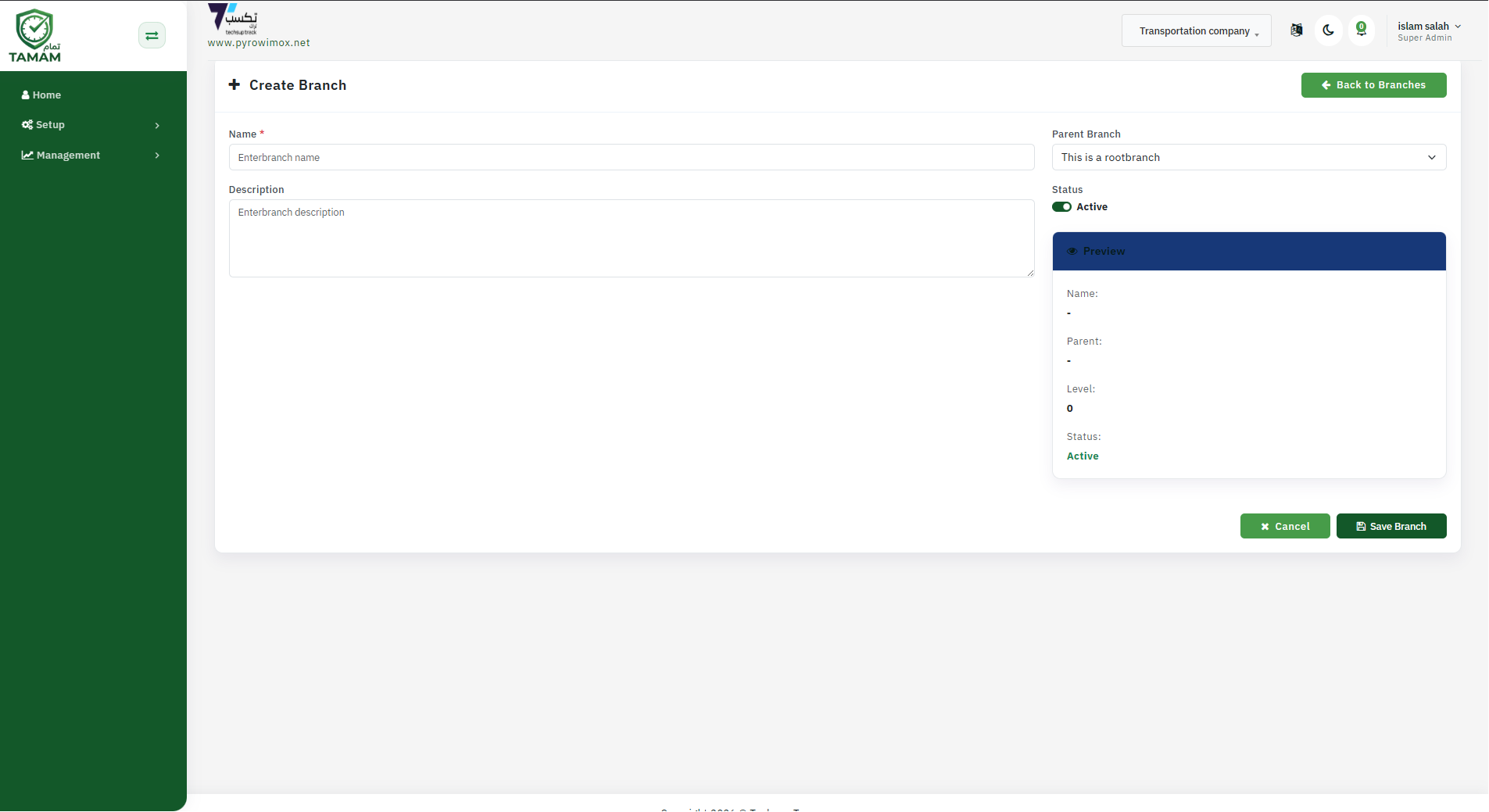
Create Branches
Create your branches first so every team and attendance record is organized by the right workplace.
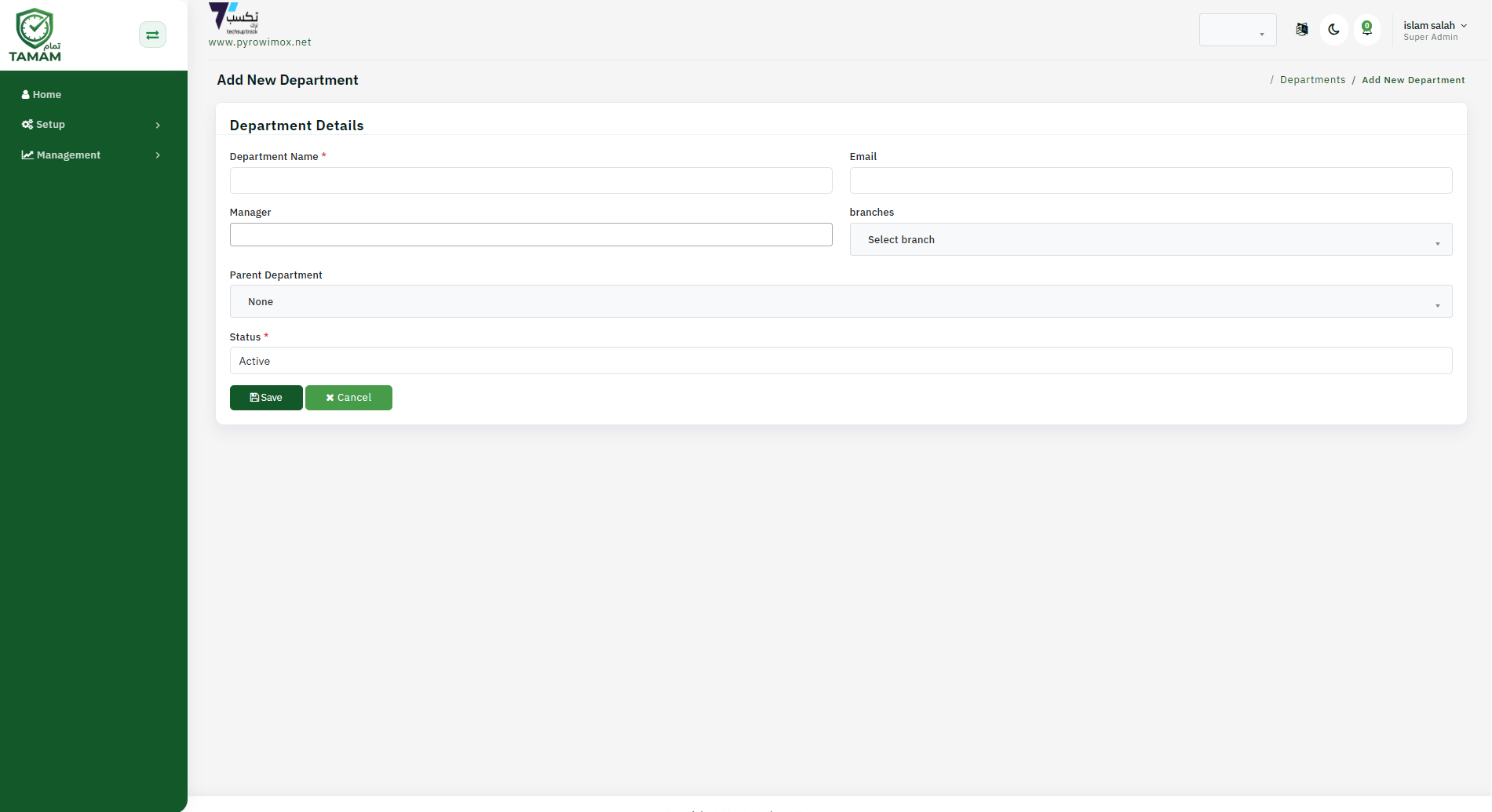
Create Department
Create departments to organize employees by team, section, or operating unit before assigning staff.
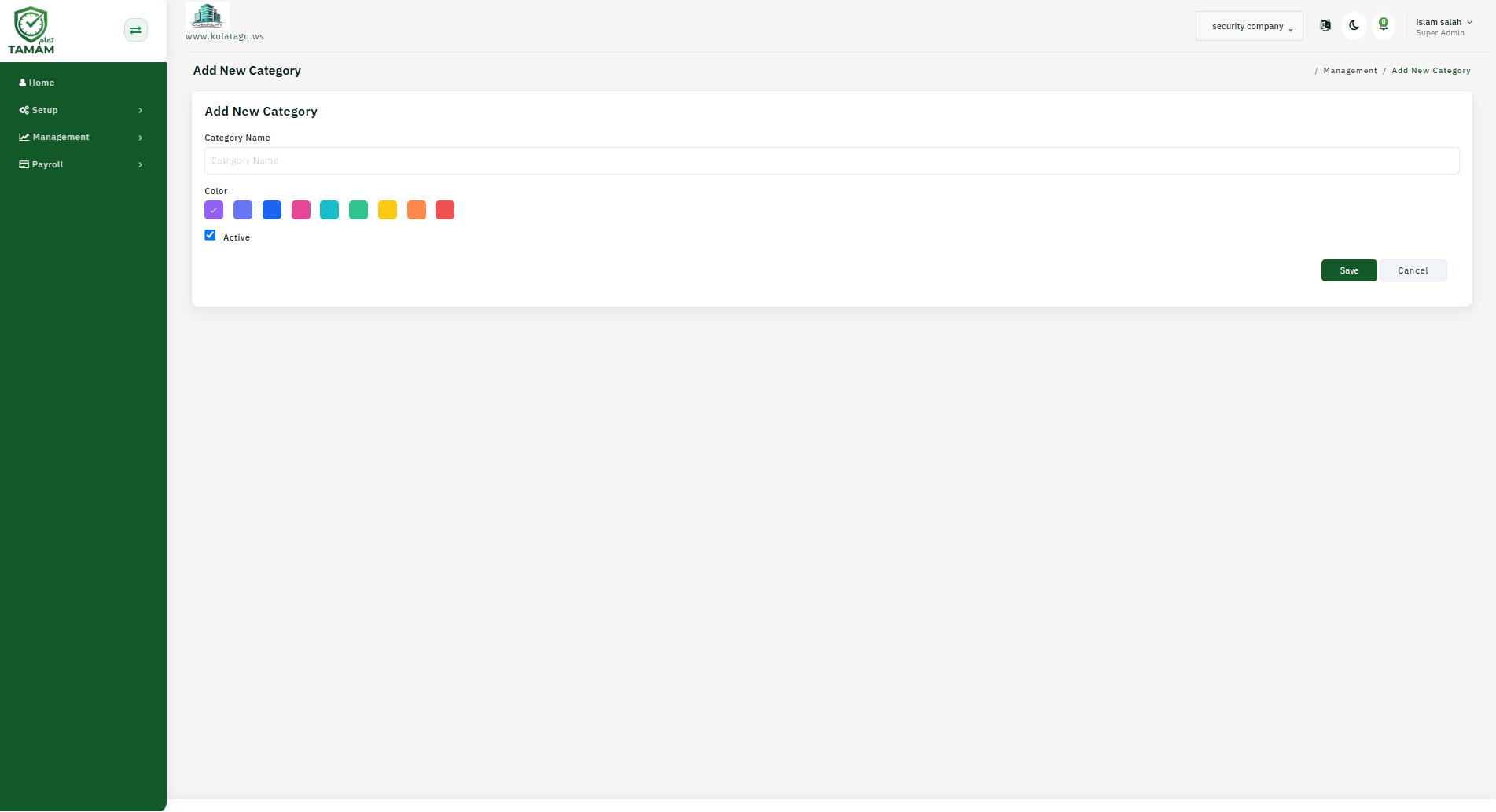
Create Categories
Create categories to classify employees, departments, or related records for easier management and reporting.
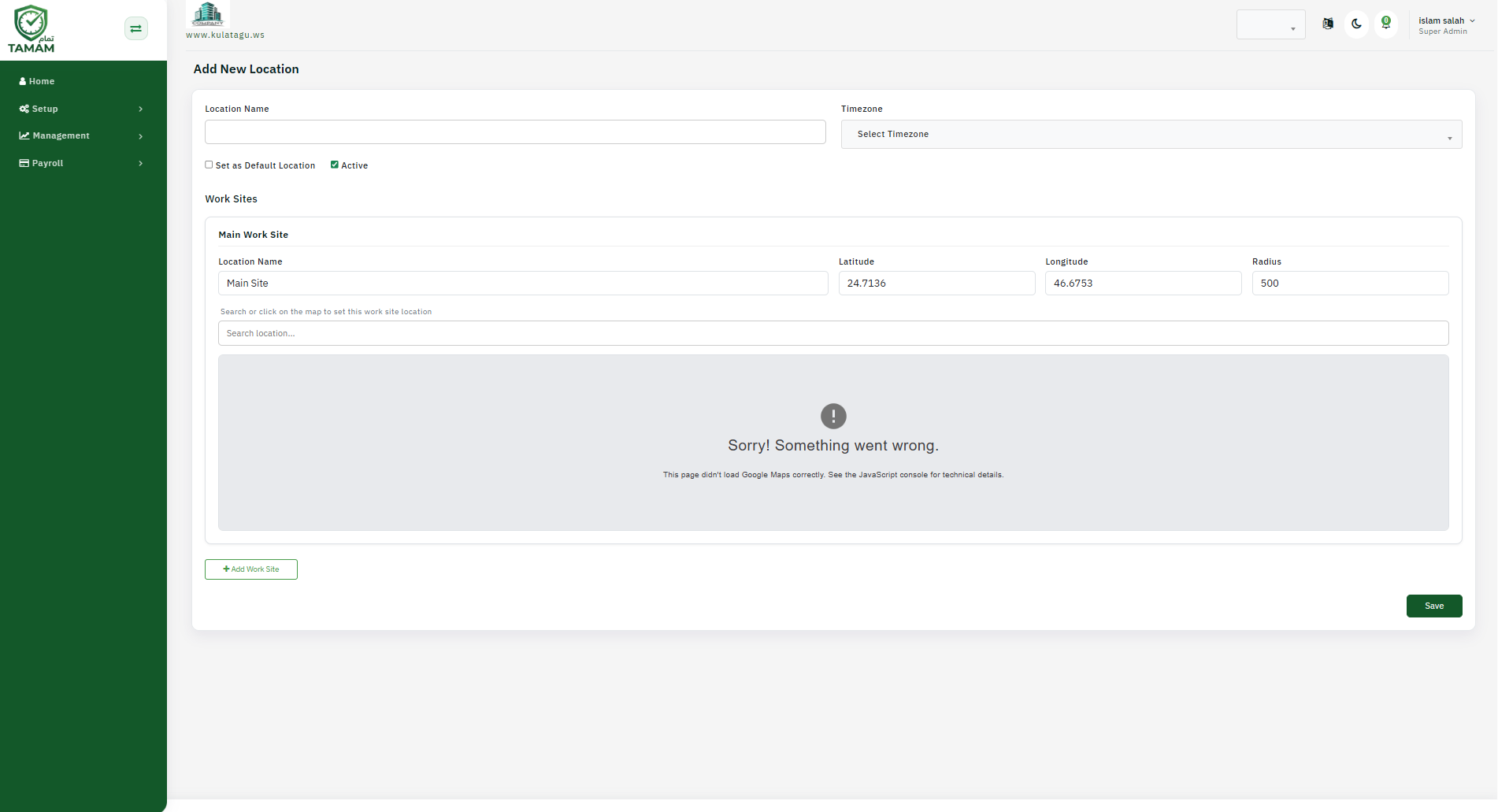
Create Locations
Create locations so the system can link employees and attendance actions to the correct work sites.Create locations so the system can link employees and attendance actions to the correct work sites.
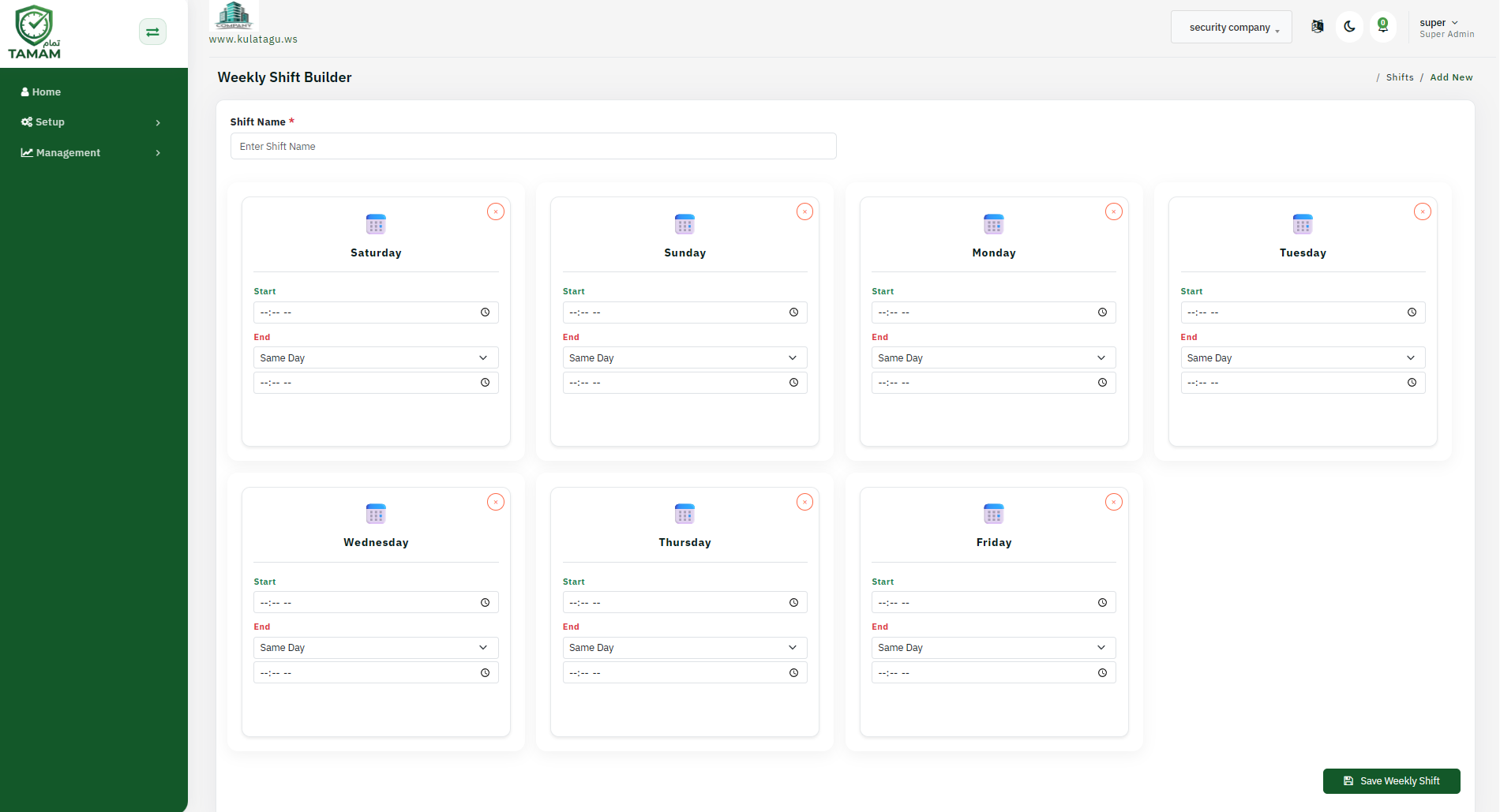
Create Shift
Define your work shifts so employees have clear attendance schedules and shift-based policies.
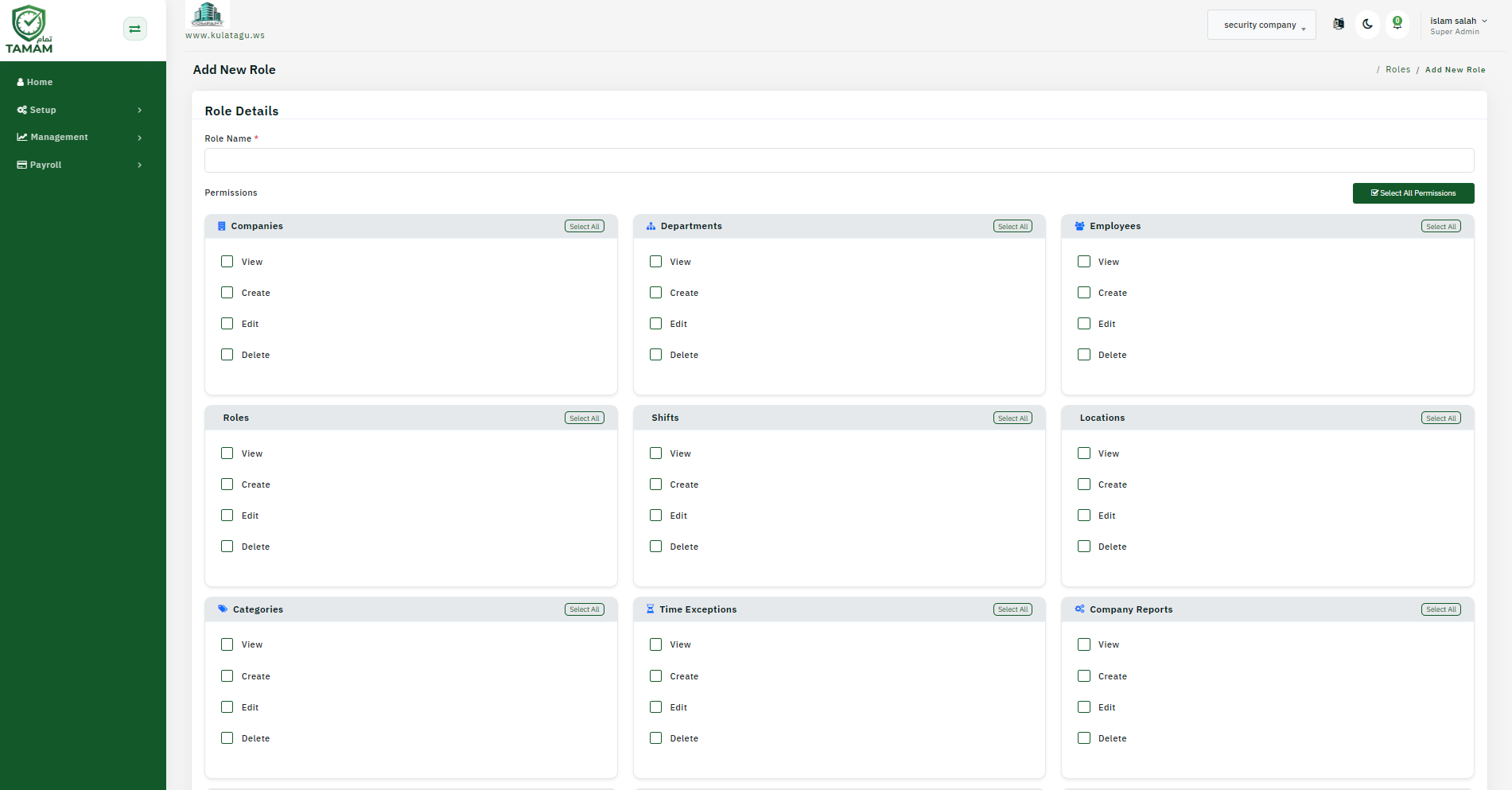
Create Roles
Create roles to control permissions, access levels, and what each user can manage inside the system.
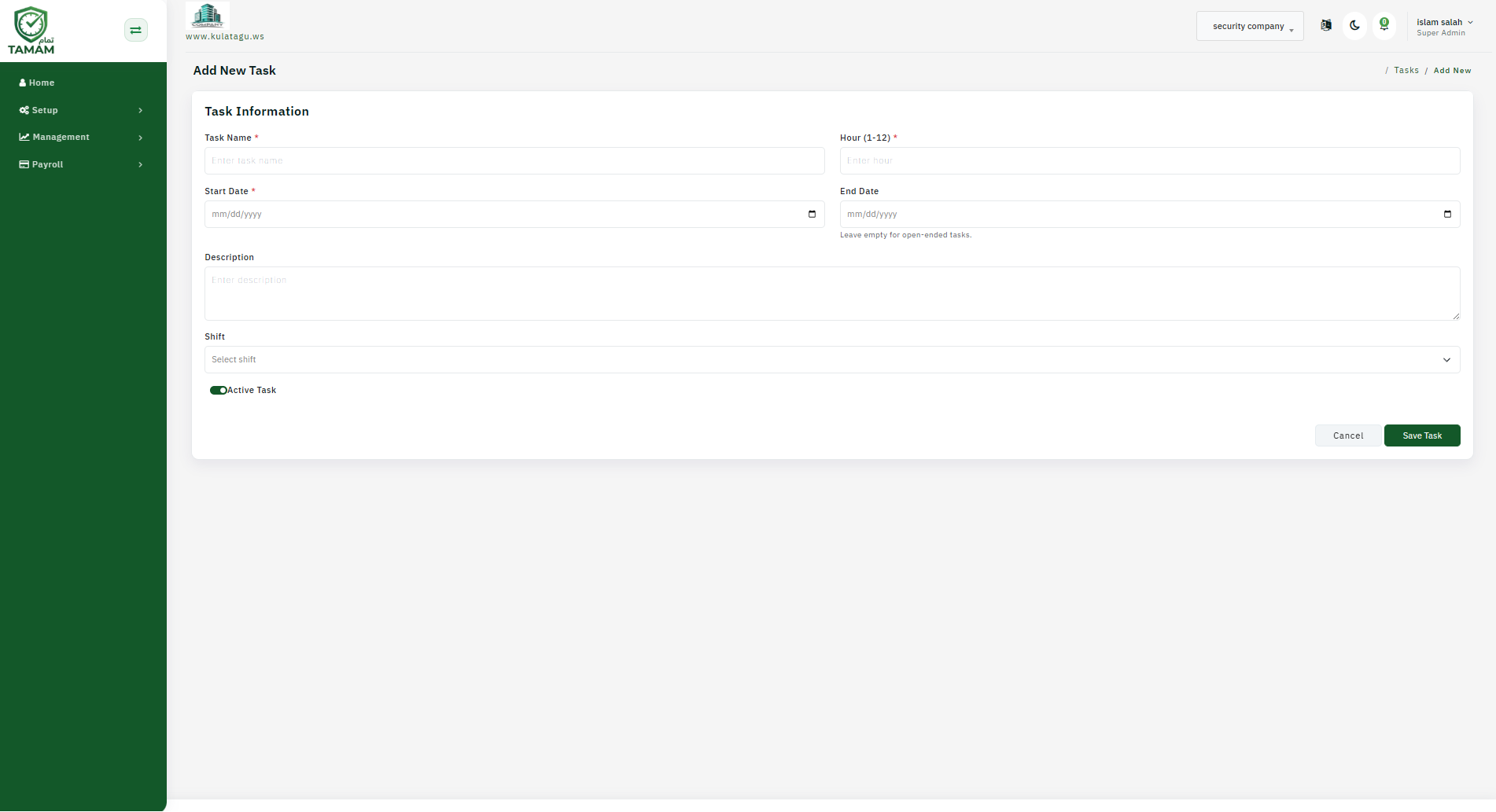
Create Tasks
Create tasks so teams can assign work items, actions, and operational responsibilities in a structured way.
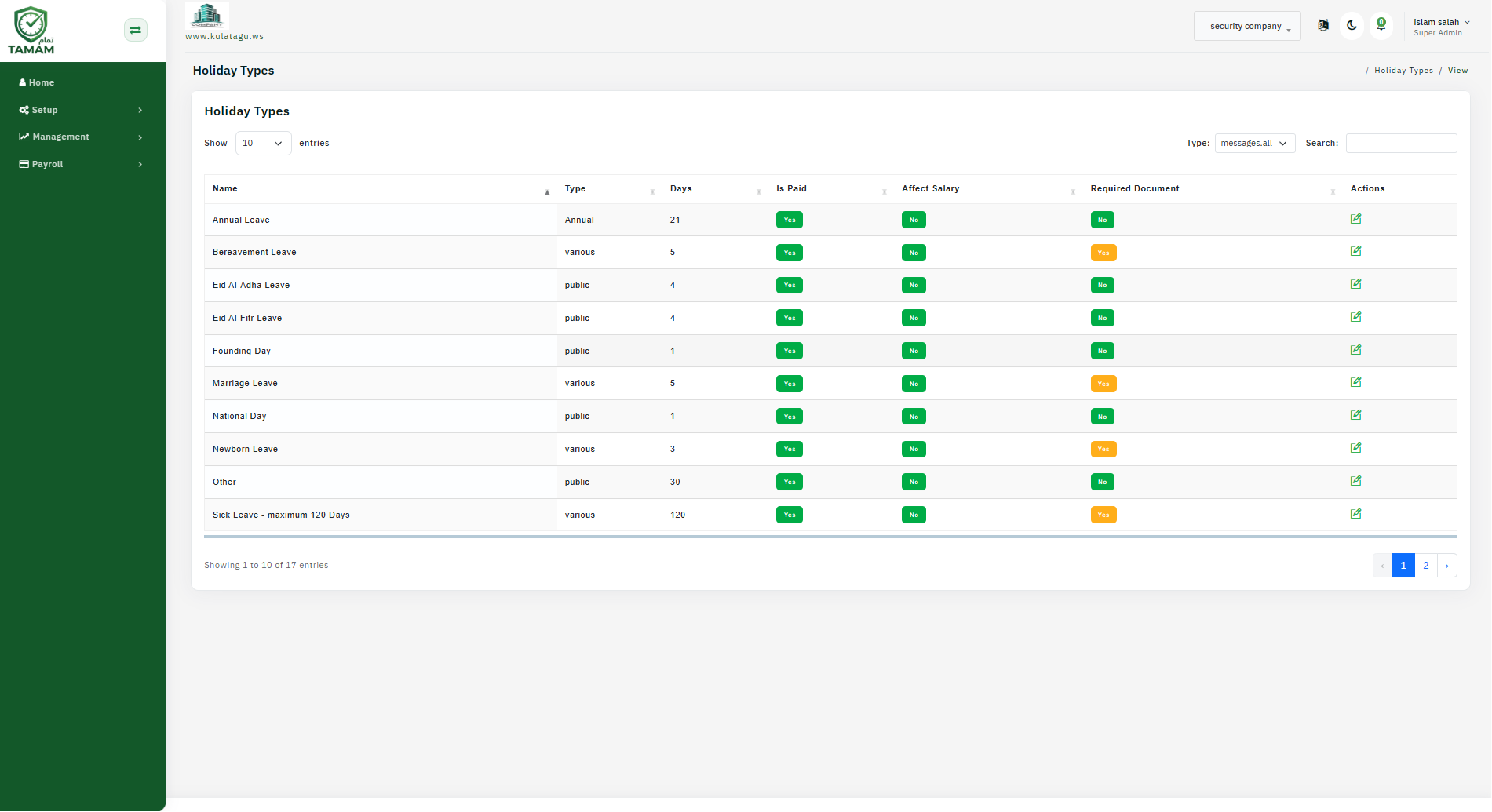
Create Holidays
Create holidays and leave calendars to keep attendance and payroll rules aligned with official company days off.
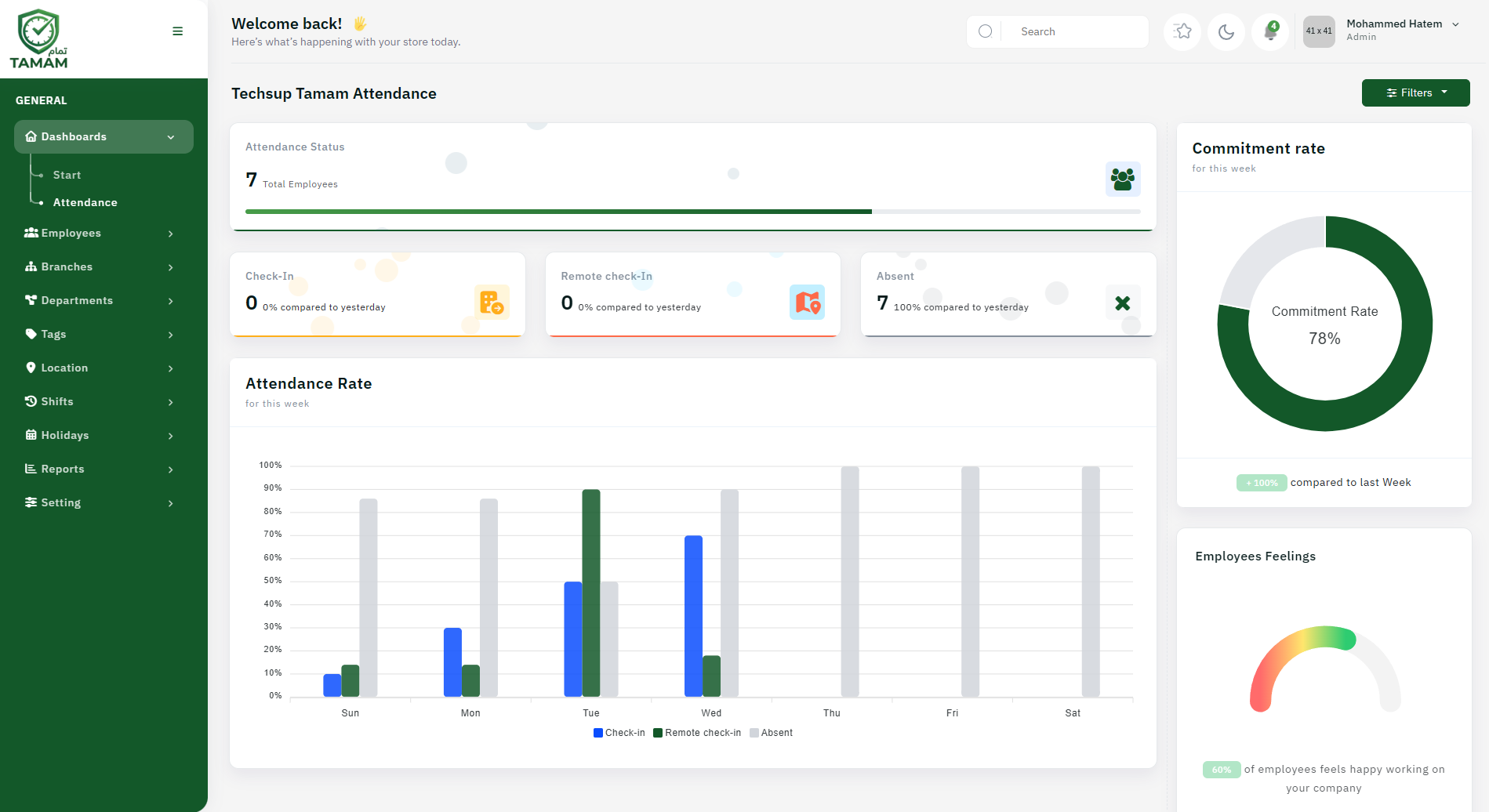
Then the user can use the system
Once the setup is completed in the correct order, employees and managers can start using Tamam for daily attendance, requests, approvals, and reports.